
Making Software. Blueprint ink on a reading-room page.
- Media
- Light theme
- 11 colors
- 2 typefaces
Making Software is a long-form reference manual laid out like a printed technical book on a near-white Paper #fbfbfb page. One cobalt, Blueprint Blue #103dff, carries the whole identity: the pixel wordmark, the exploded isometric diagrams of floppy disks, CRTs and keyswitches, and every arrowed callout label, shaded through periwinkle and ice tints. Arizona, a bookish serif, sets justified 14px prose with a drop cap at a generous 1.6 line-height, while Departure Mono, a pixel monospace, handles uppercase chapter heads, figure numbers and captions. Chrome is almost absent: 1px hairlines, a 4px bevelled key-cap button and dotted leader lines.
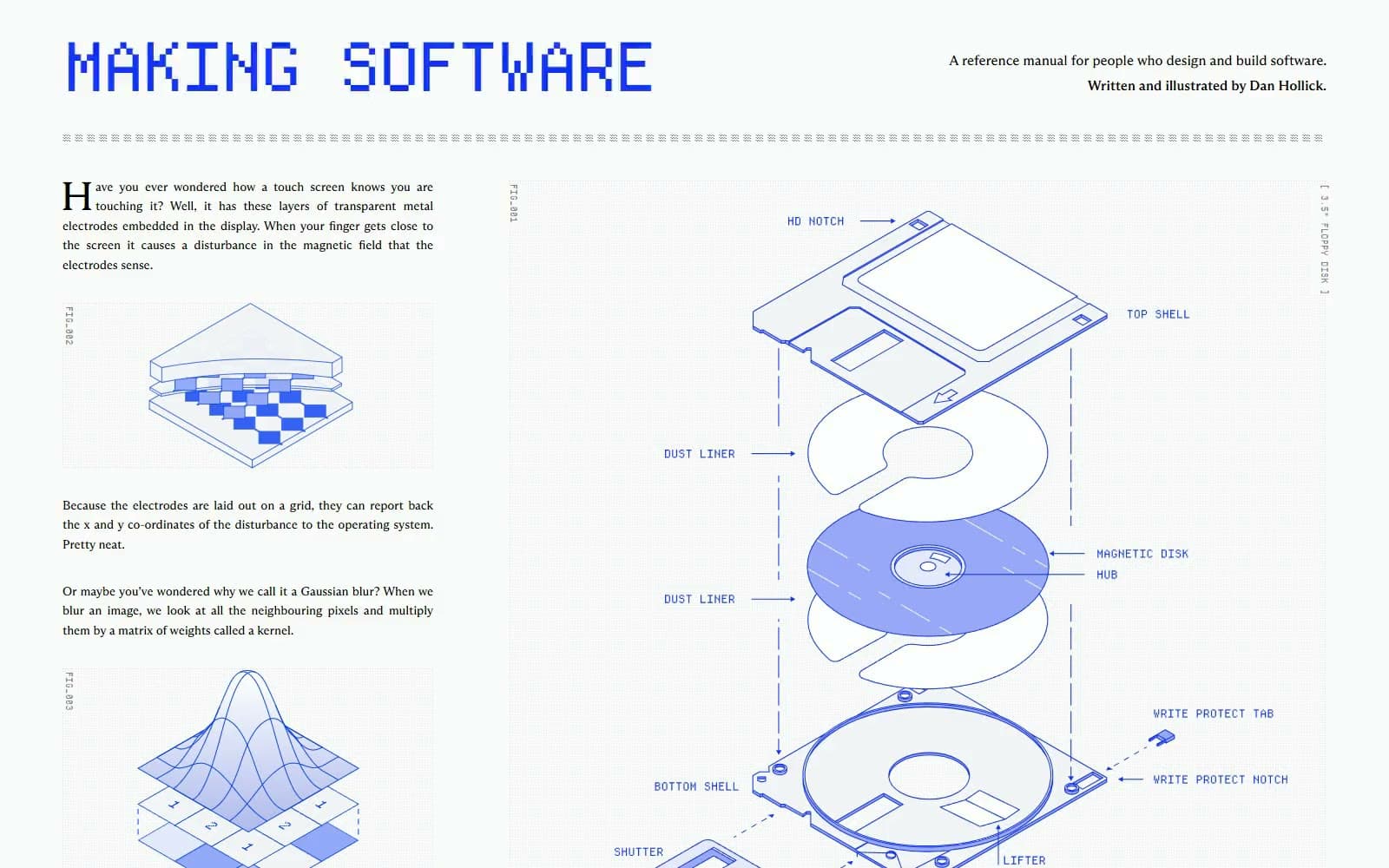
Making Software design system

Brand1
The pixel wordmark, diagram callout labels, the progress bar and the active WORDS toggle — one cobalt reads as printed blueprint ink, not a UI accent
Accent4
Line strokes, arrows, dashed guides and solid fills inside the technical illustrations — the working ink of every drawing
Mid-tone shading on illustrated parts such as the magnetic disk and keyswitch boot — the shadow side of the cobalt
Secondary part shading and hatched cut faces inside diagrams, one step lighter than Periwinkle Fill
The palest blue tint on drawn surfaces, used for lit planes of isometric objects and soft light cones
Neutrals6
All prose, the Table of Contents rule, chapter heads, button labels and the typewriter footer lines
Black at 50% for figure numbers, word counts, IN/OUT labels and the button outline — the quiet metadata layer
Black at 10% for the FAQ card border and the rule between its rows; the only container edge on the page
Cool off-white fill for the body of drawn objects, a half-step cooler than the page so parts read as paper cutouts
The single page canvas behind every section, the masthead and the FAQ card; there are no tinted bands
Brightest faces of illustrated objects such as disk platters and dust liners, and the bevel highlight on the key button
Try a pairing
Pick any two colors from the palette to check whether text stays readable on top.
Aa
White on Blueprint Blue
6.70 : 1 contrast
- Body textPasses AA 4.5
- Large textPasses AA 3
- StrictFails AAA 7
More DESIGN.md files. Same web, different personalities.
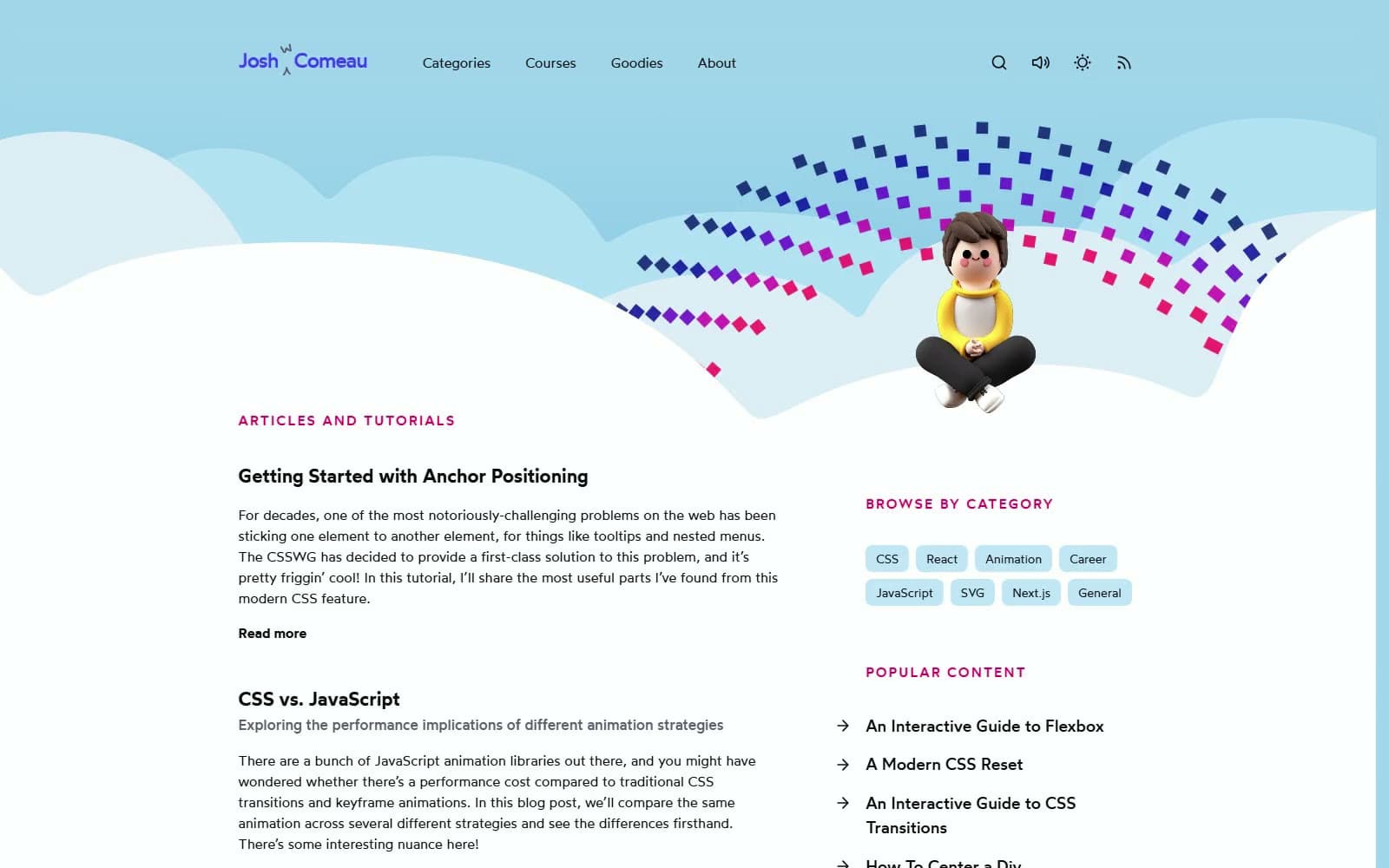
Josh W. Comeau
Media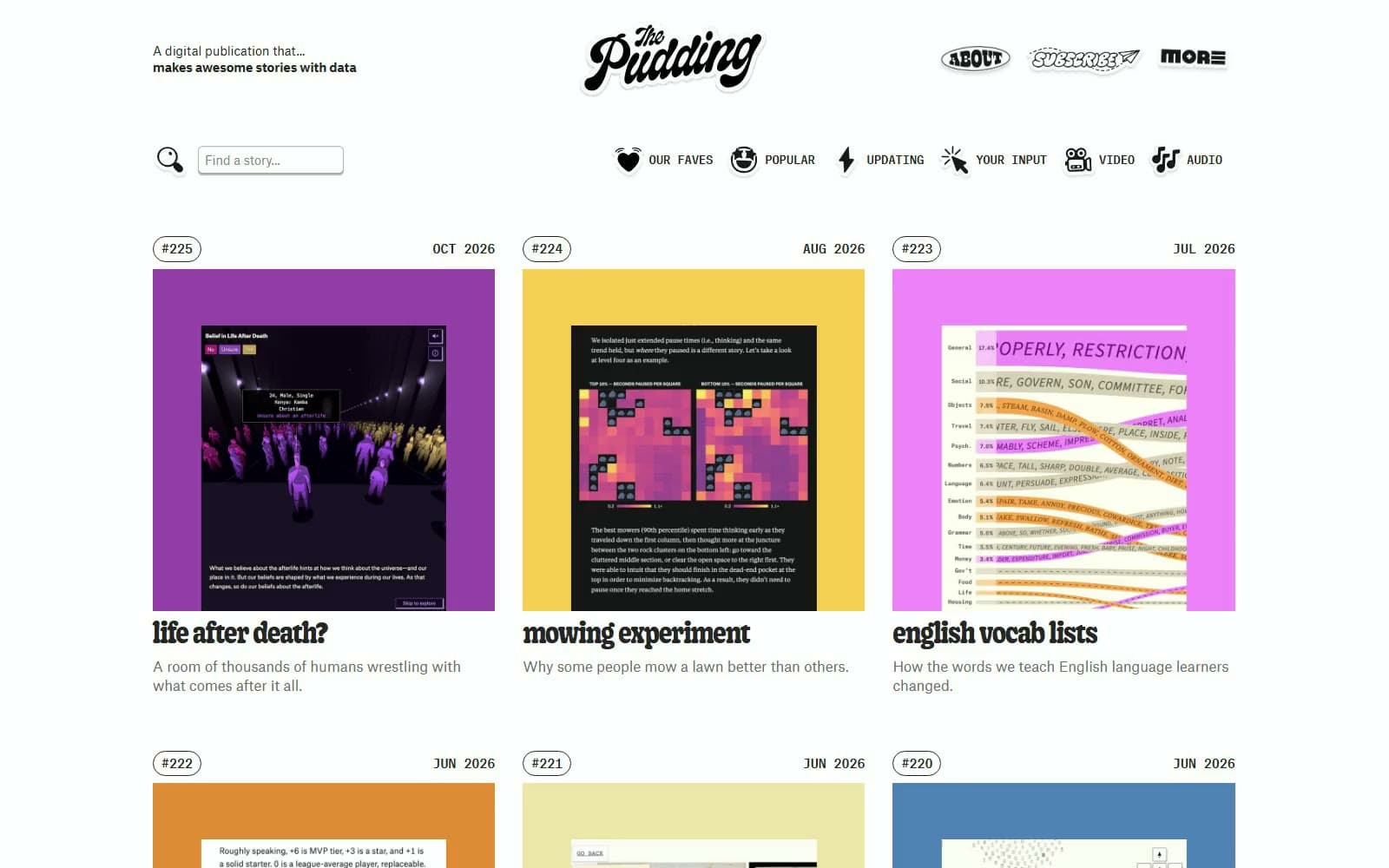
The Pudding
Media
2020
Media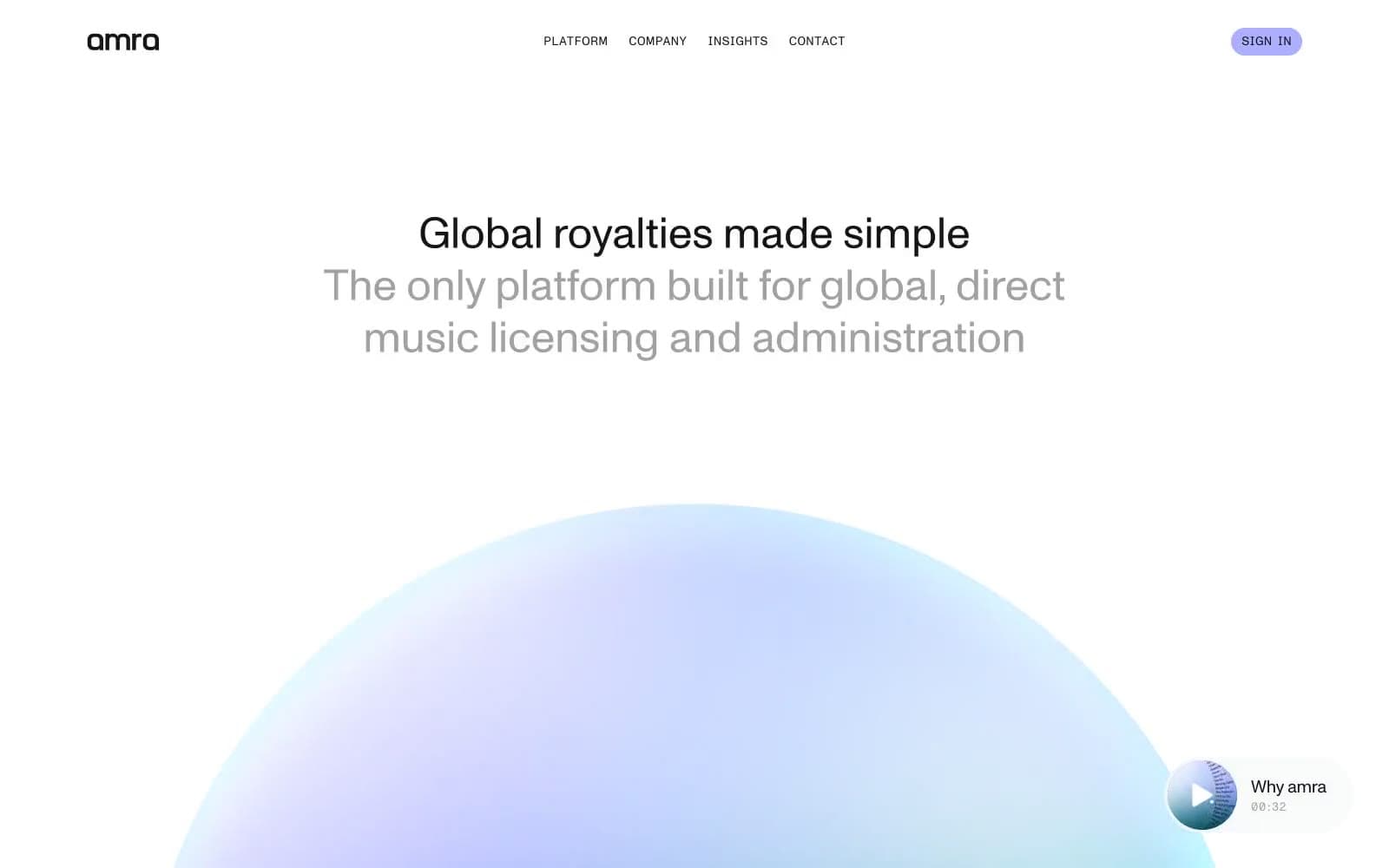
amra
Media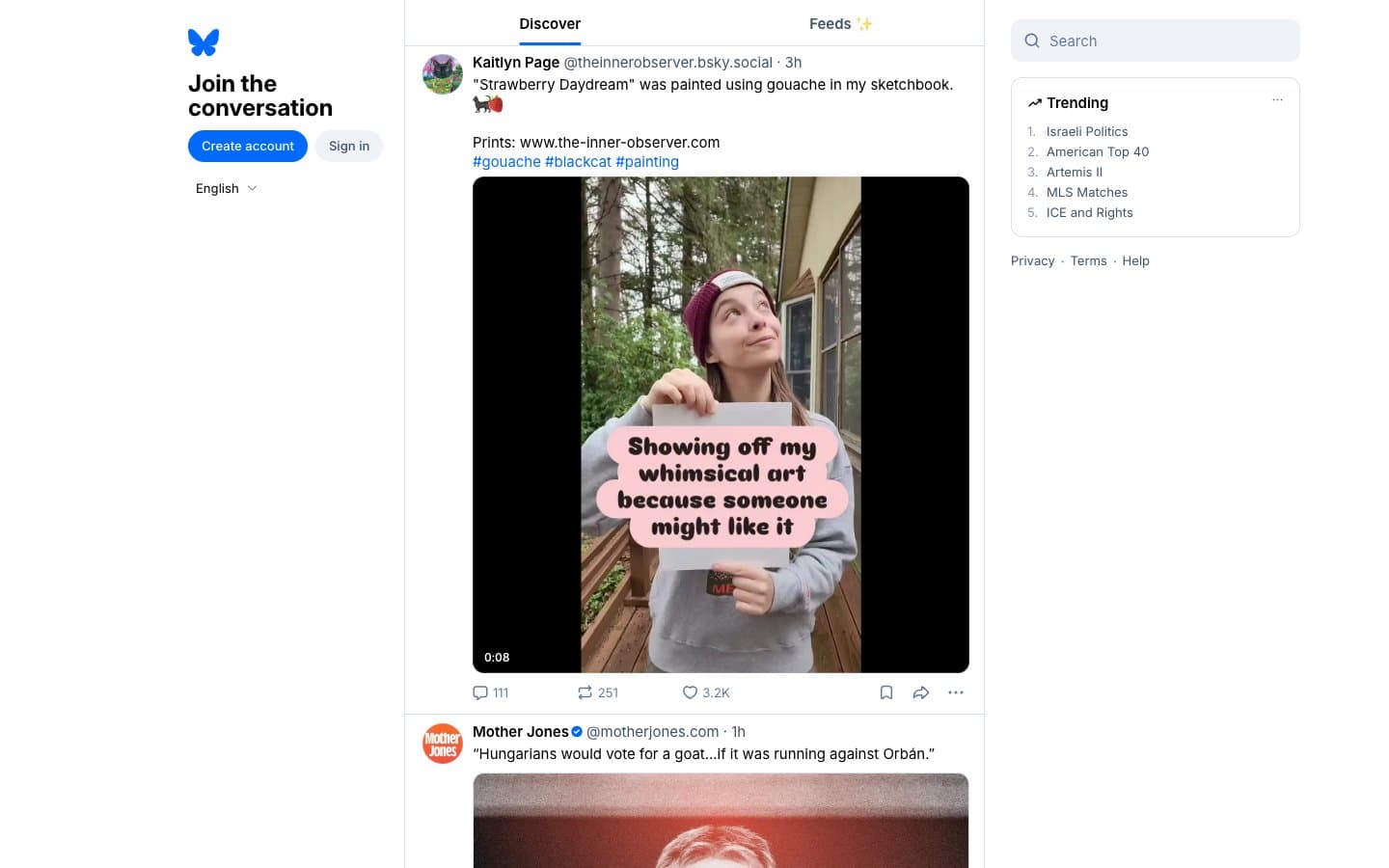
Bluesky Social
Media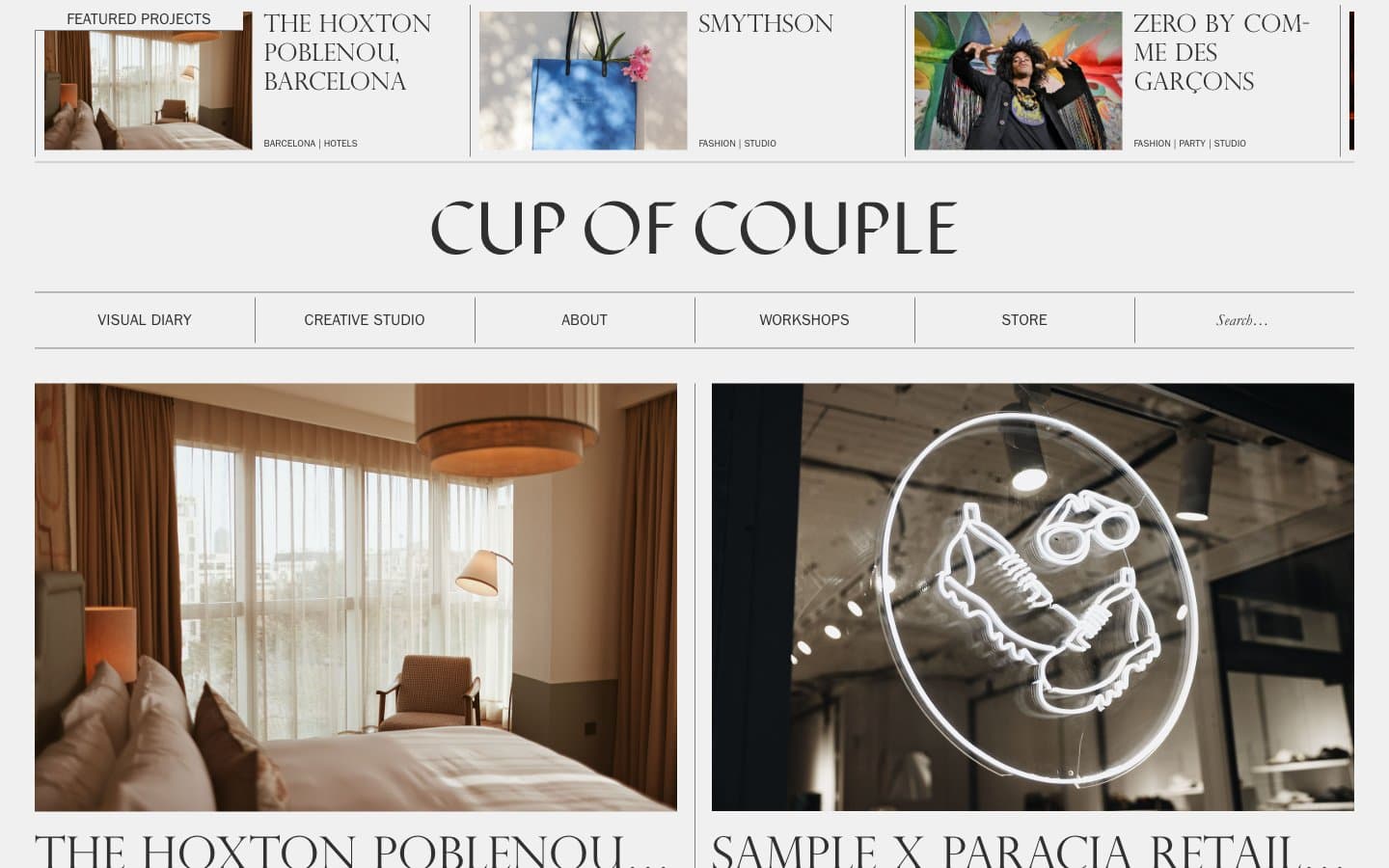
Cup of Couple
Media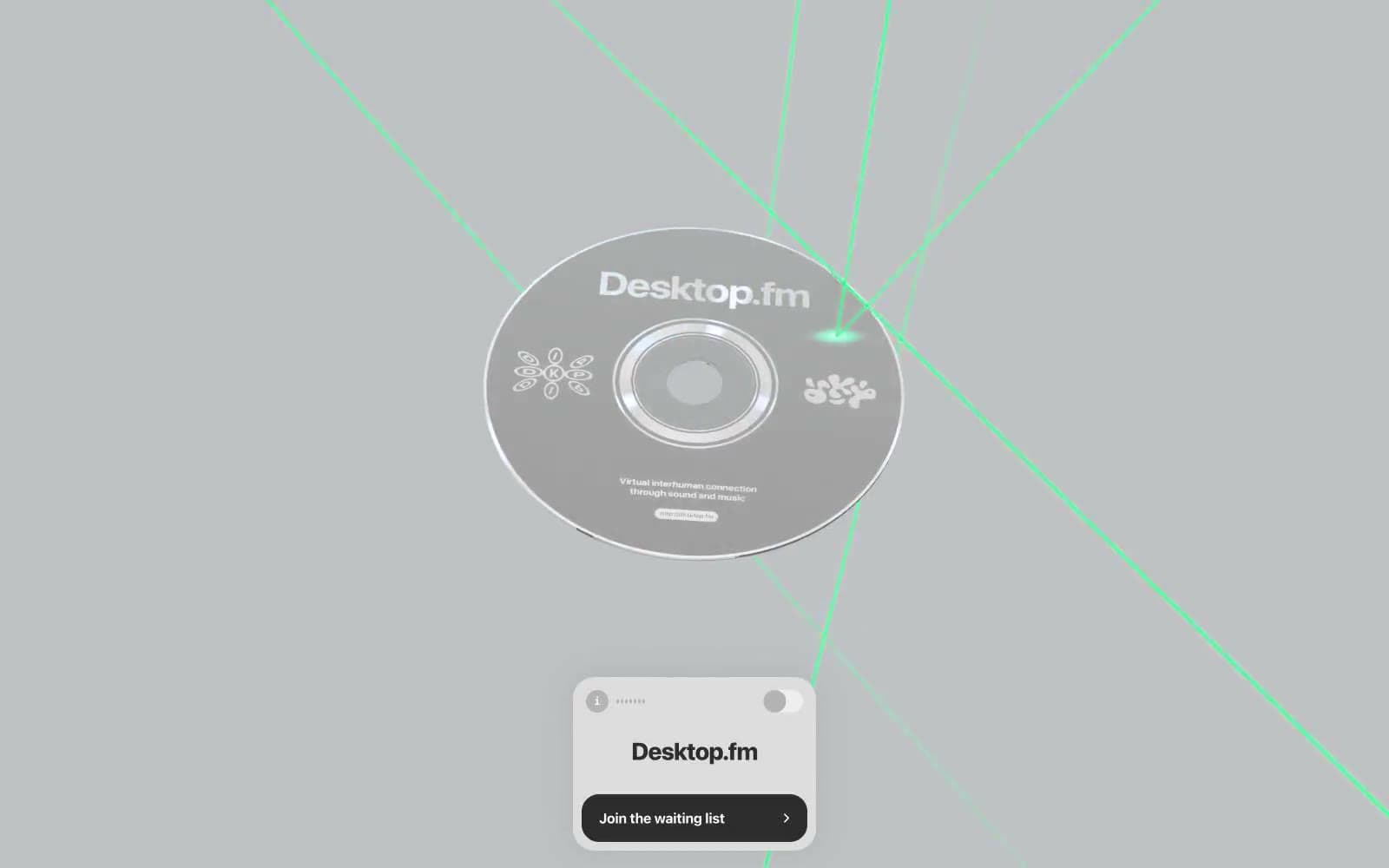
Desktop.fm
Media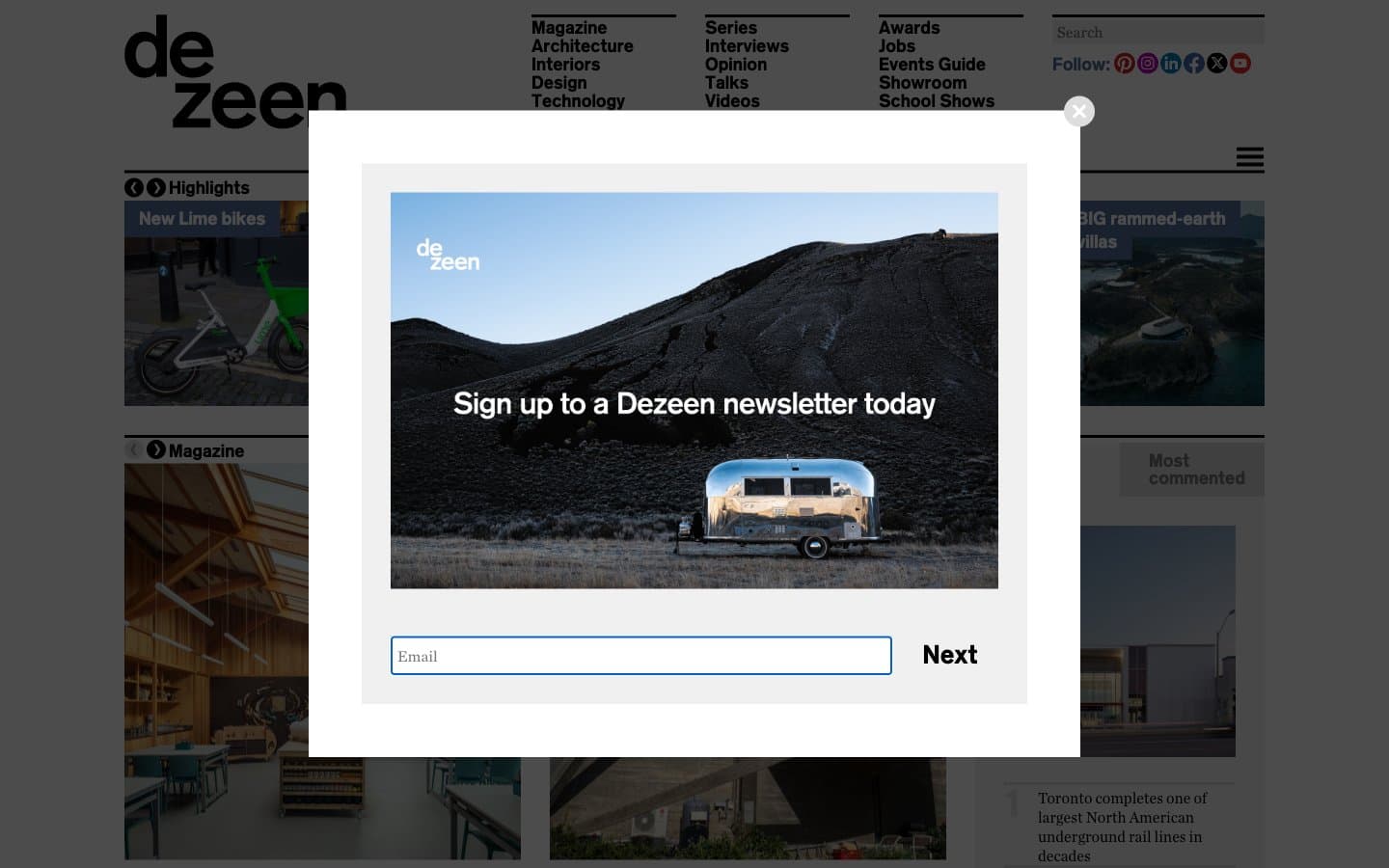
Dezeen
Media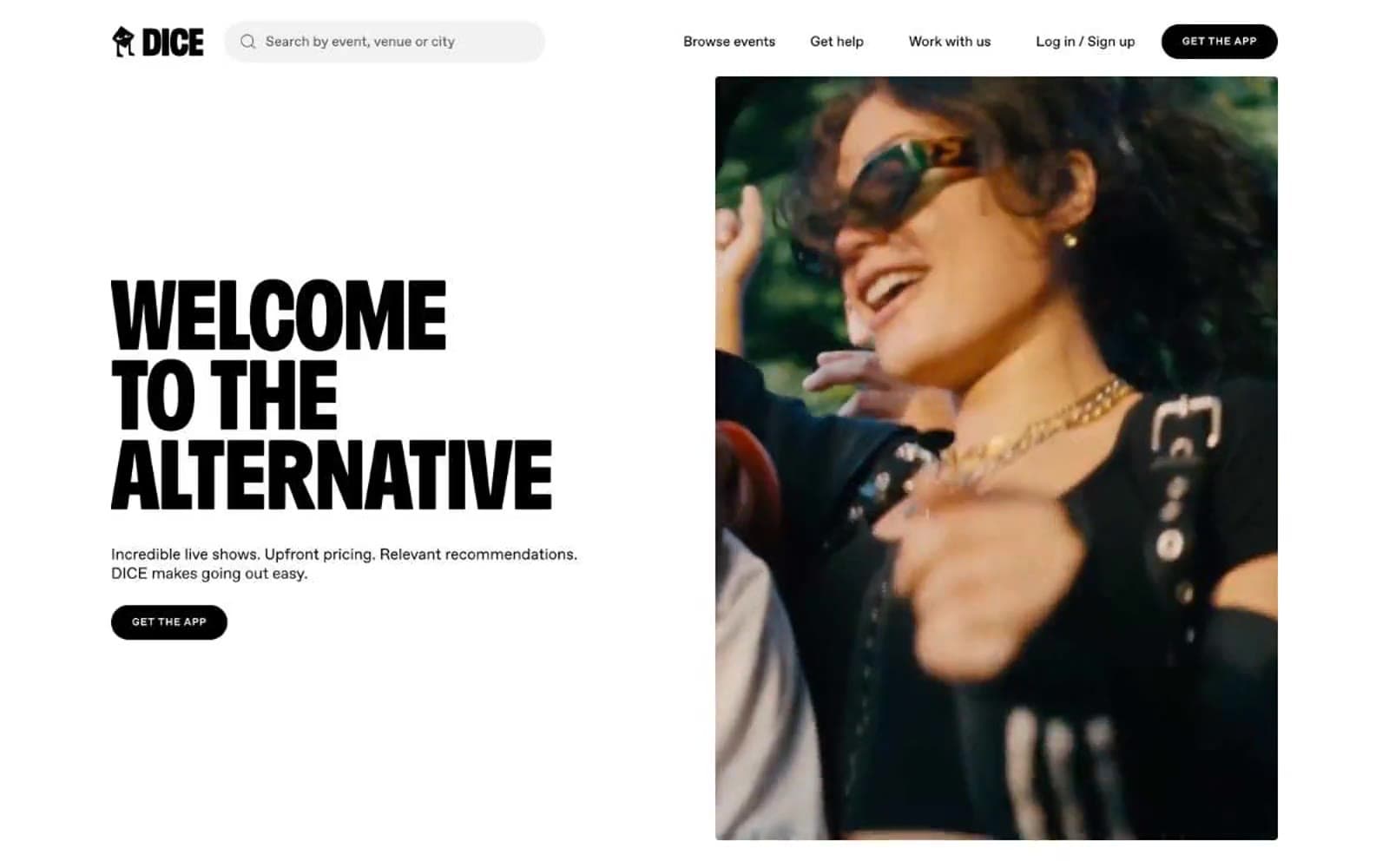
DICE
Media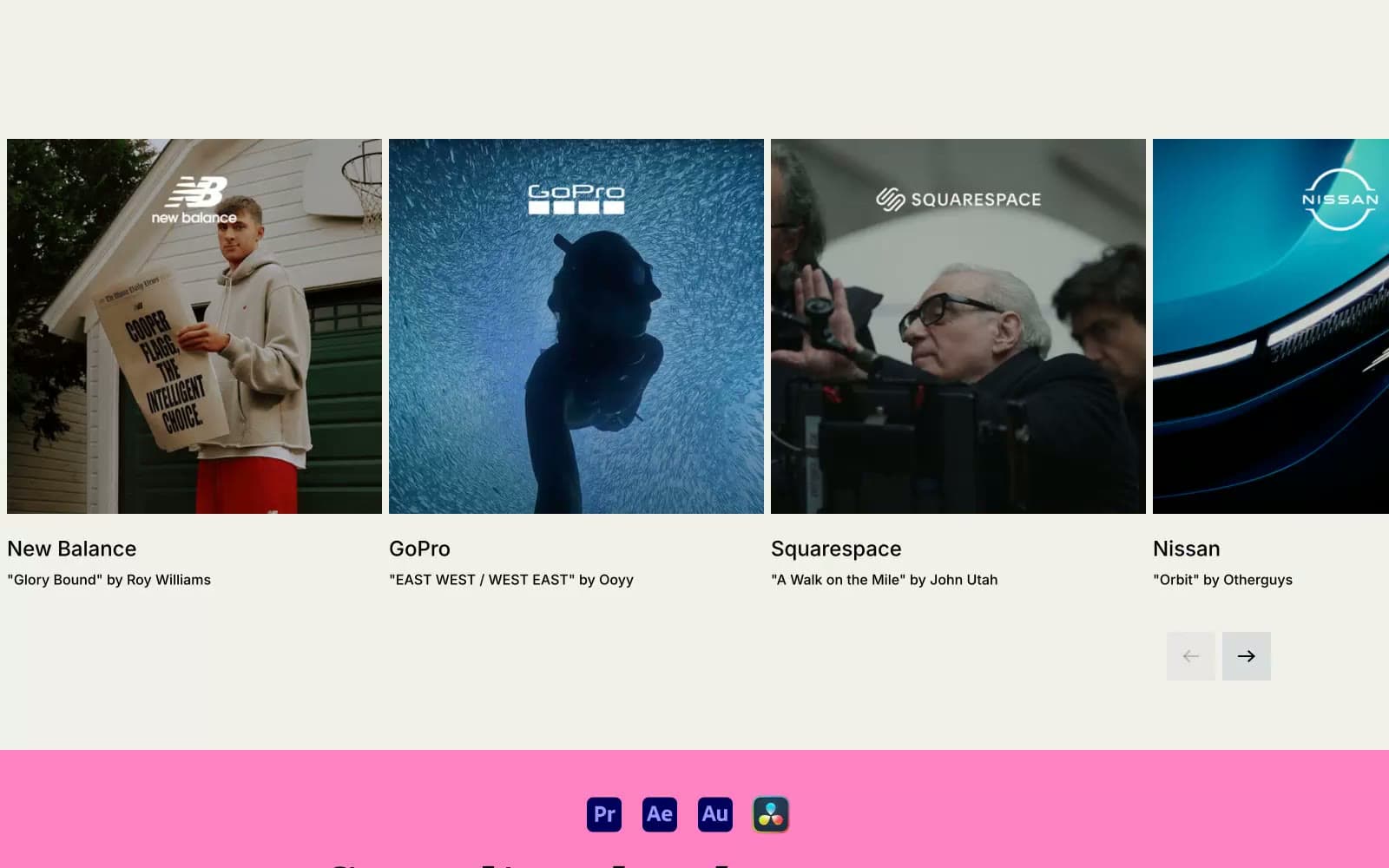
Epidemicsound
Media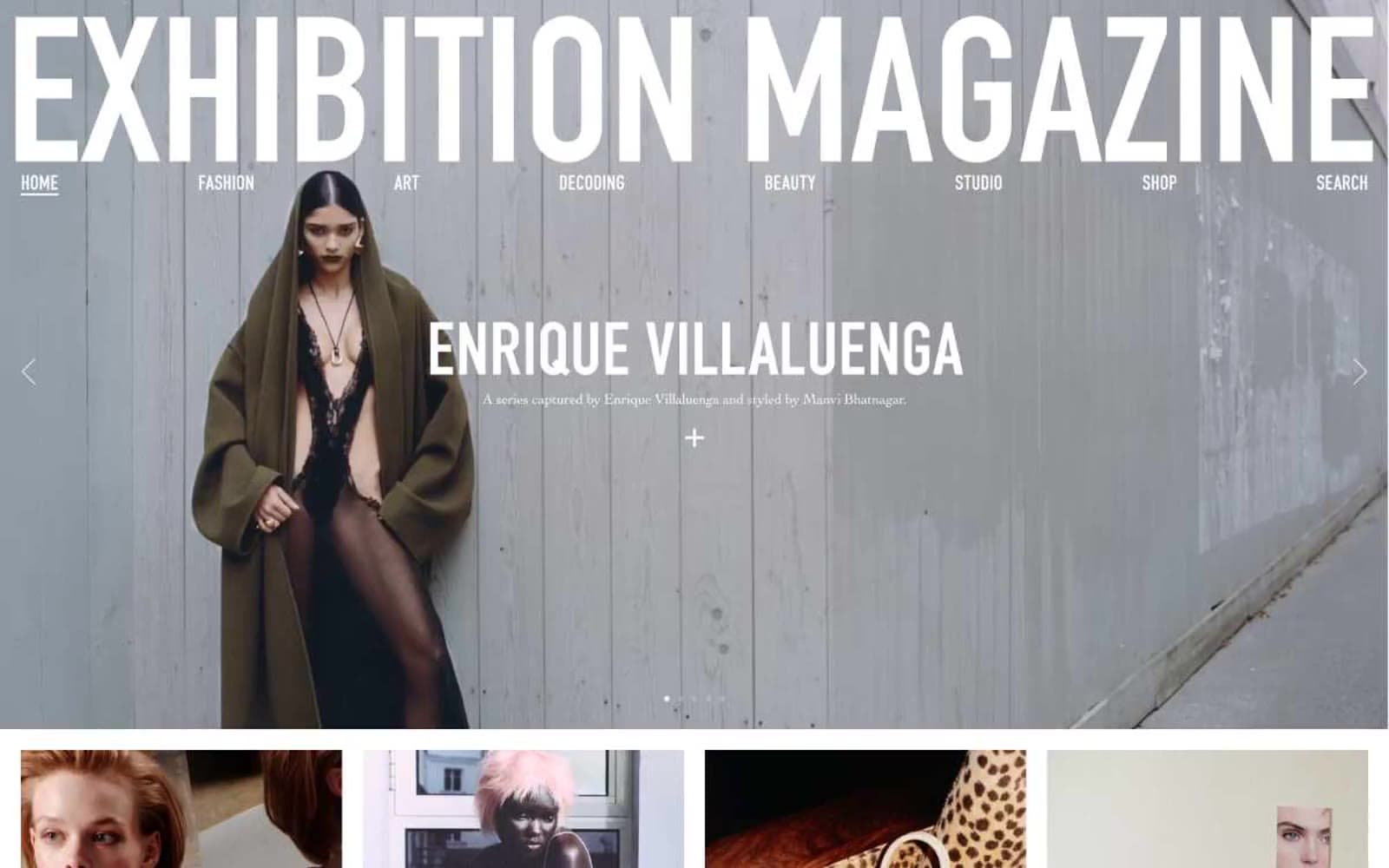
Exhibition Magazine
Media
Flying Papers
Media


