
GitButler. Teal terminal on paper.
- Developer tools
- Light theme
- 13 colors
- 4 typefaces
GitButler — teal terminal on paper. The page is built on a warm off-white canvas with dense black editorial display type, compact Inter utility text, and terminal-like demonstrations that make version control feel tangible. Teal appears as controlled punctuation: a compact login fill, a broad conversion panel, code highlights, and pale aqua washes, while hairline gray borders and dotted technical textures organize the otherwise open page.
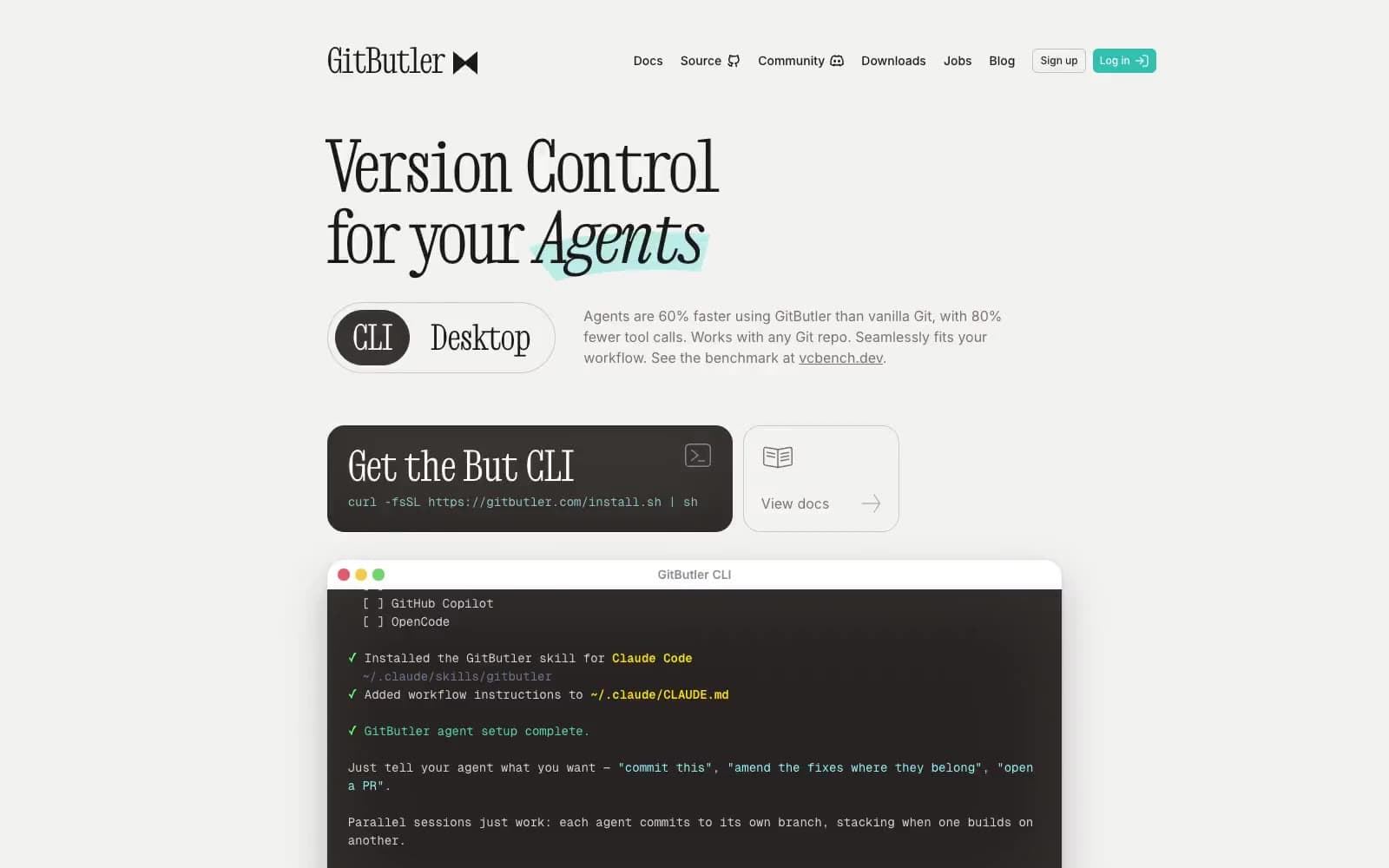
GitButler design system

Brand2
Filled login control and large conversion panels — saturated teal punctuates the mostly paper-and-ink interface
Badge text, command syntax, icon fills, and teal display-text accents
Accent3
Pale promotional card surface and cool highlighted section wash
Secondary aqua surface for layered promotional artwork
Outlined documentation-control border and monospace command highlight
Neutrals8
Primary headings, navigation, body text, icons, and hairline outlined controls
Terminal demonstration background and dark text-on-light supporting surface
Dark installation-panel fill and inset terminal depth
Body copy, helper text, secondary links, and subdued icons
Inactive controls and muted icon strokes
1px borders, feature-grid dividers, outlined control borders, and muted tiled surfaces
Page background and low-contrast section surface
Terminal chrome, badges, light controls, and elevated content surfaces
Try a pairing
Pick any two colors from the palette to check whether text stays readable on top.
Aa
Ink on Butler Teal
6.66 : 1 contrast
- Body textPasses AA 4.5
- Large textPasses AA 3
- StrictFails AAA 7
More DESIGN.md files. Same web, different personalities.
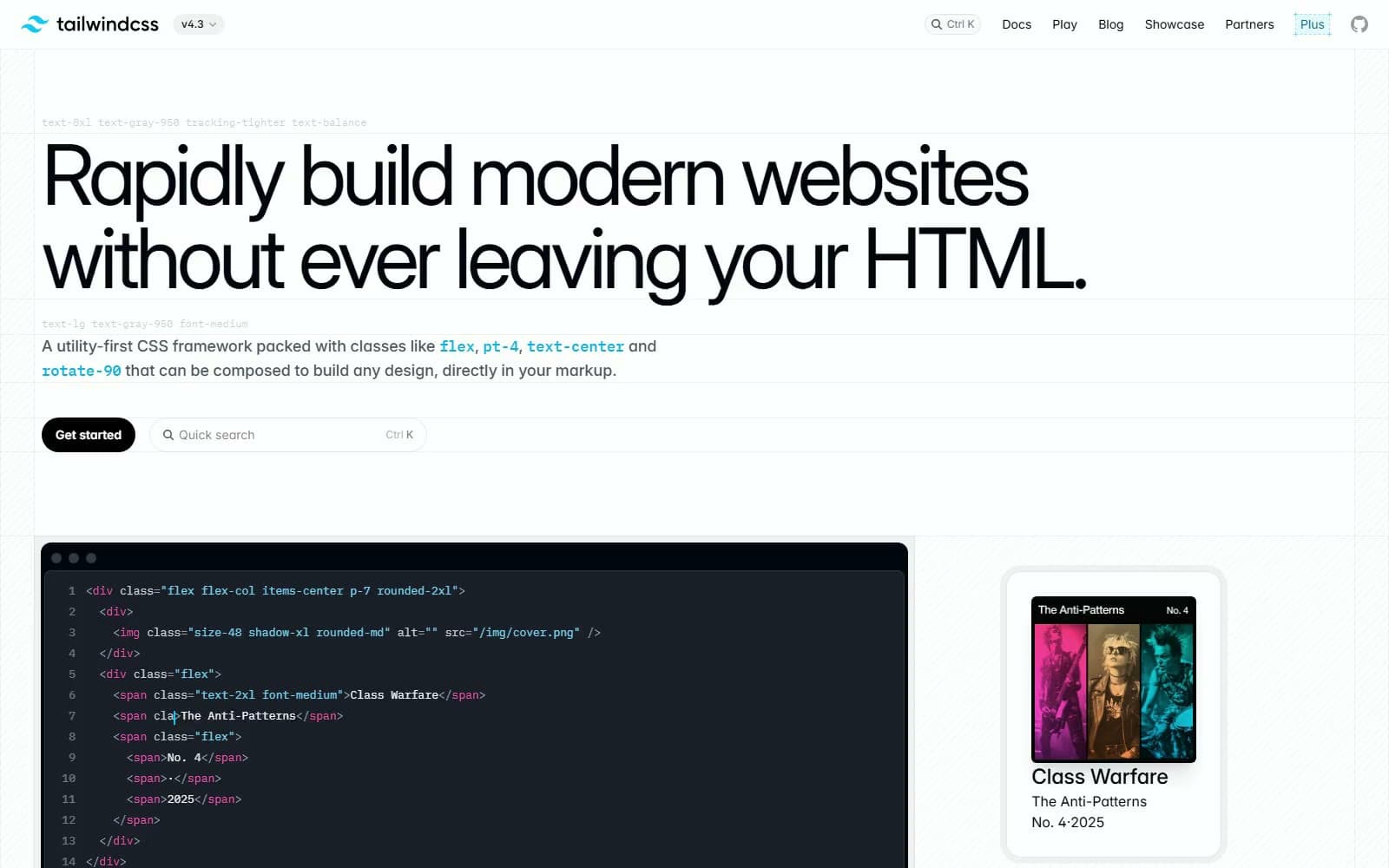
Tailwind CSS
Developer tools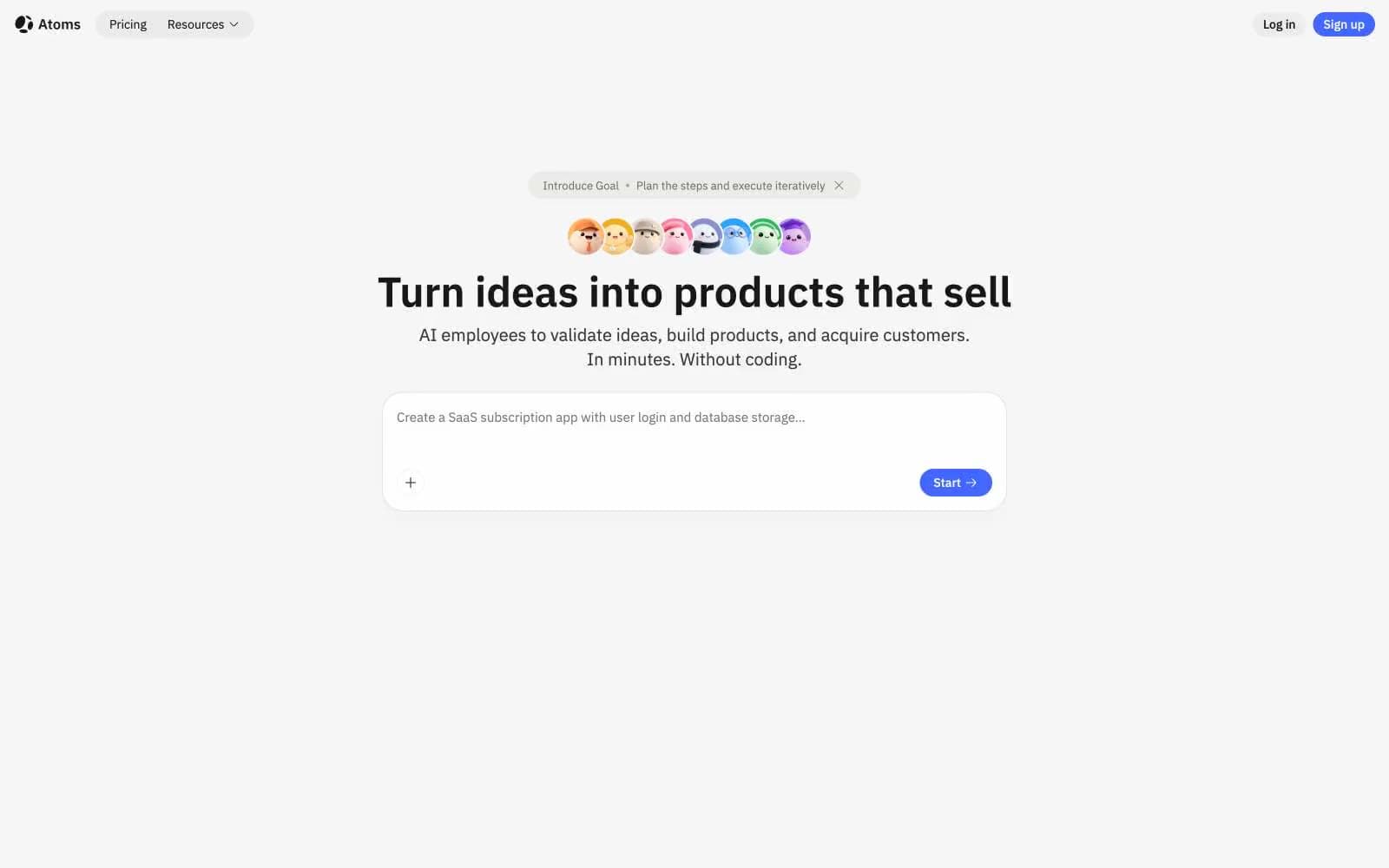
Atoms
Developer tools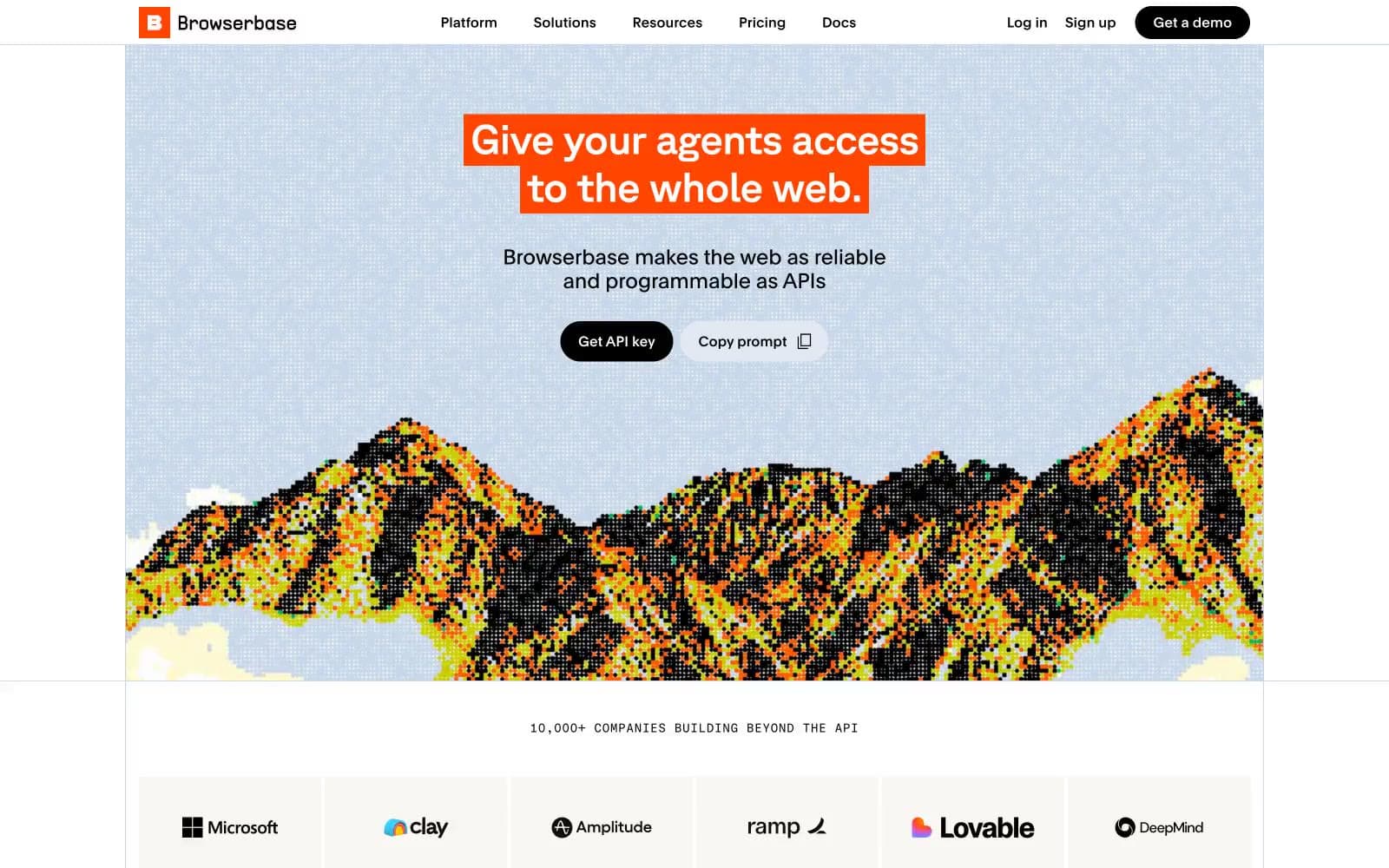
Browserbase
Developer tools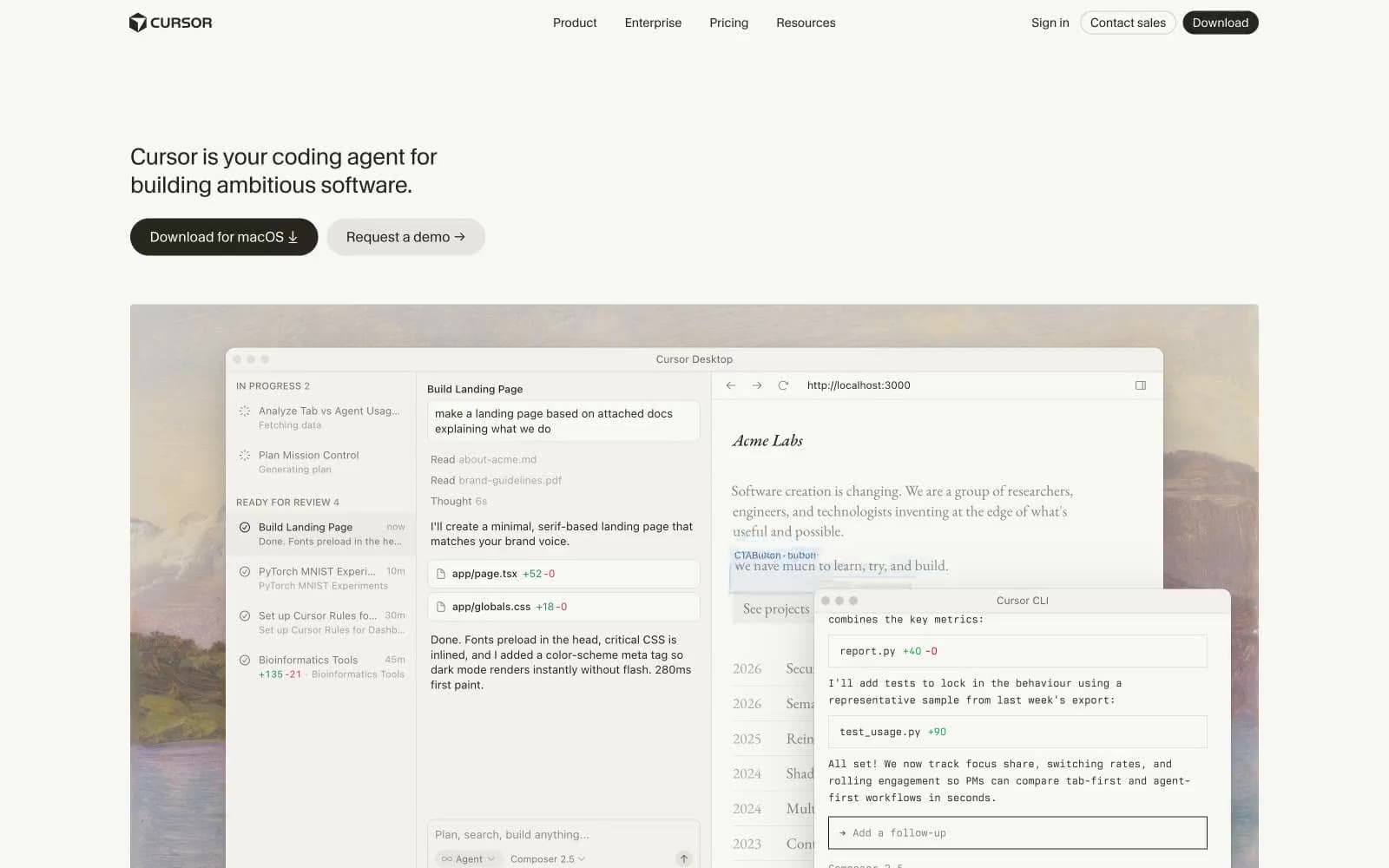
Cursor
Developer tools
Deno
Developer tools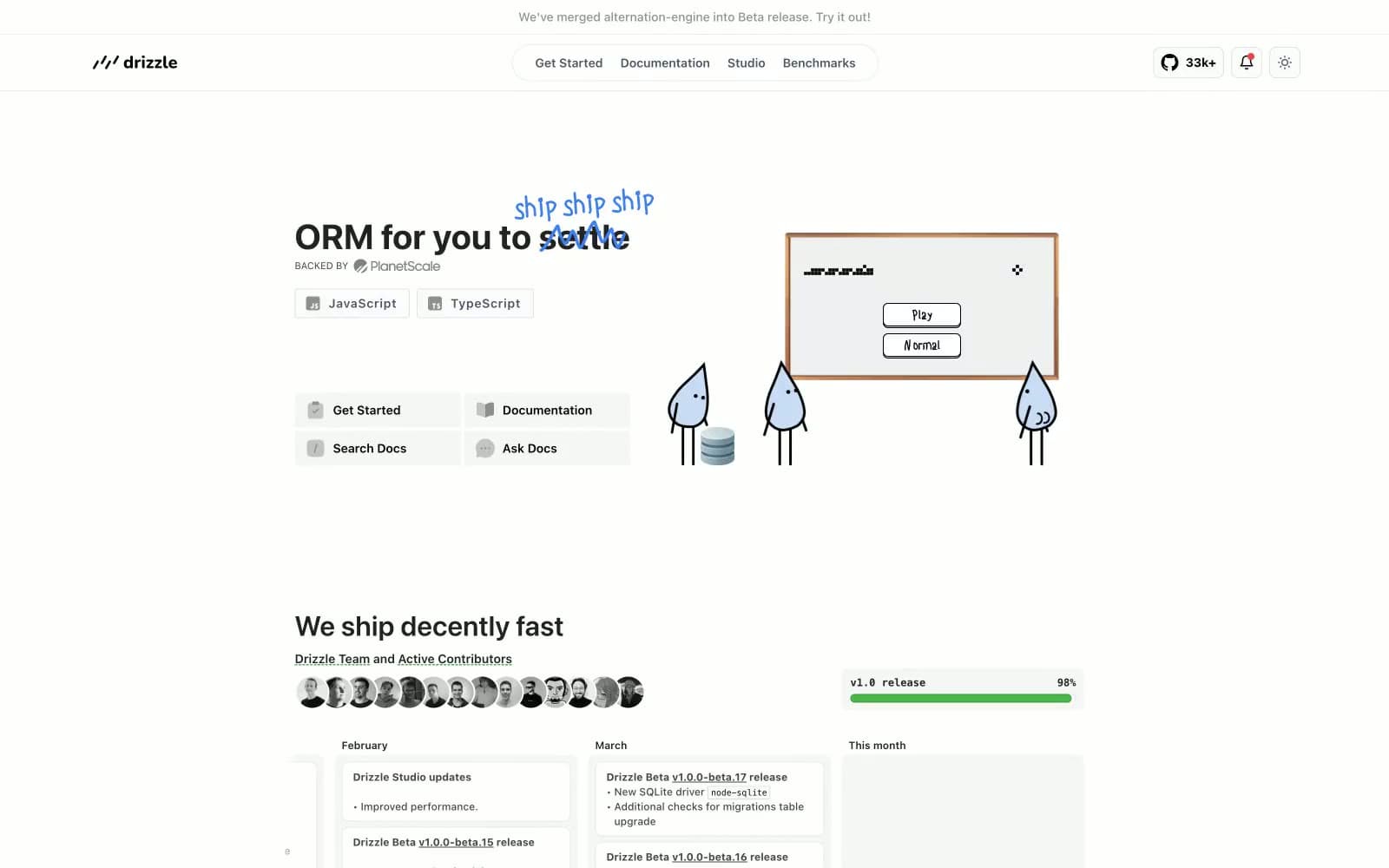
Drizzle ORM
Developer tools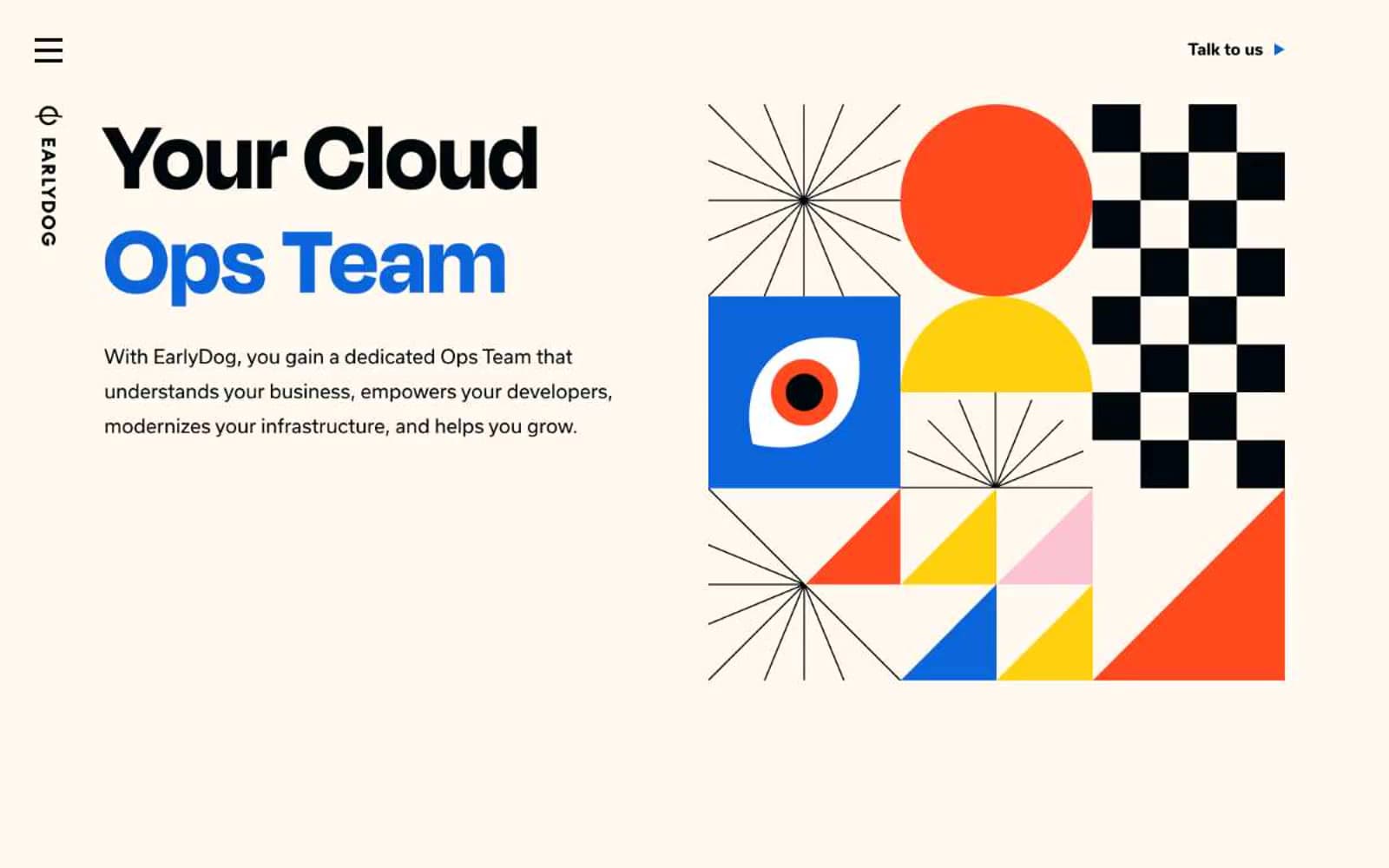
Earlydog
Developer tools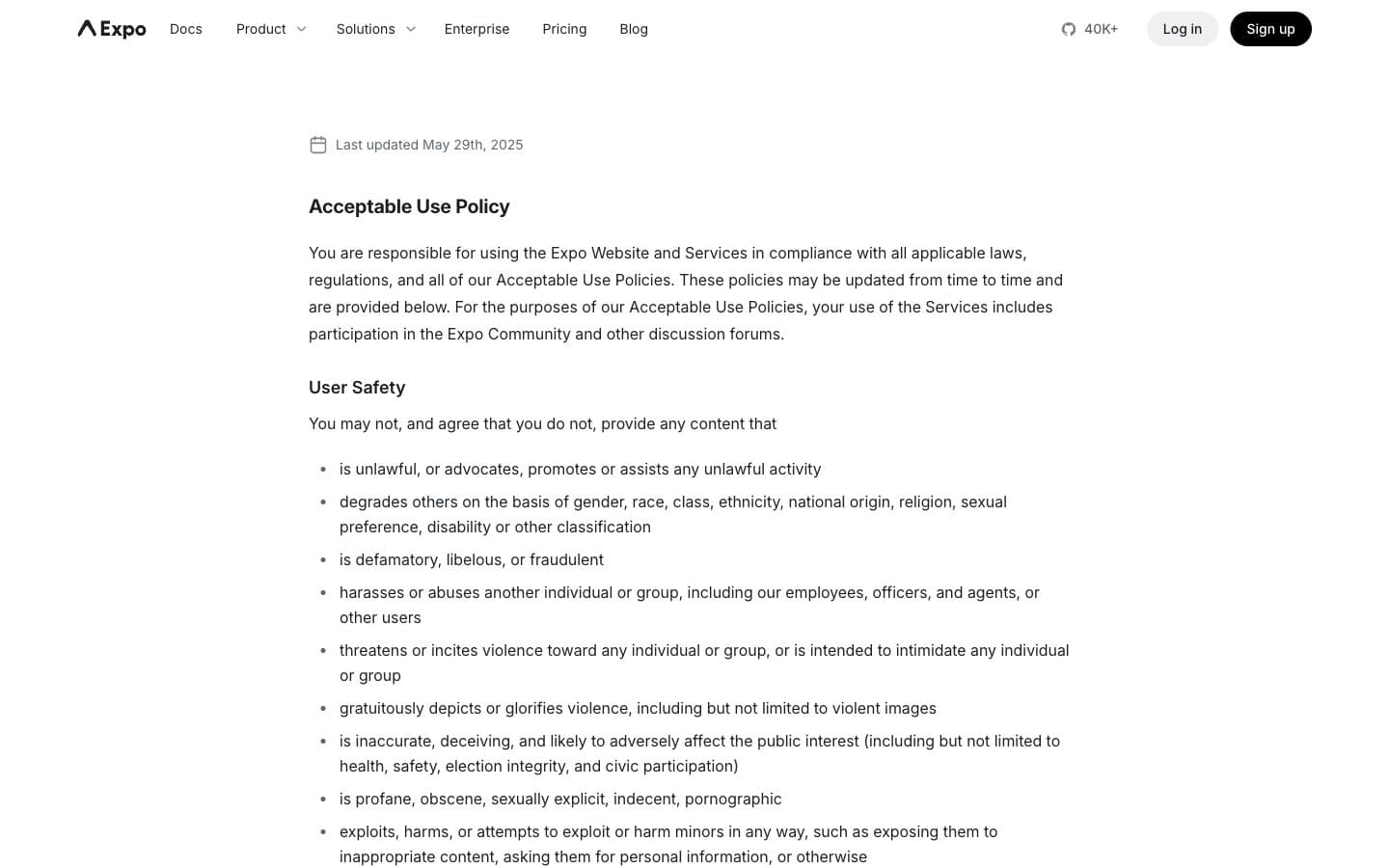
Expo
Developer tools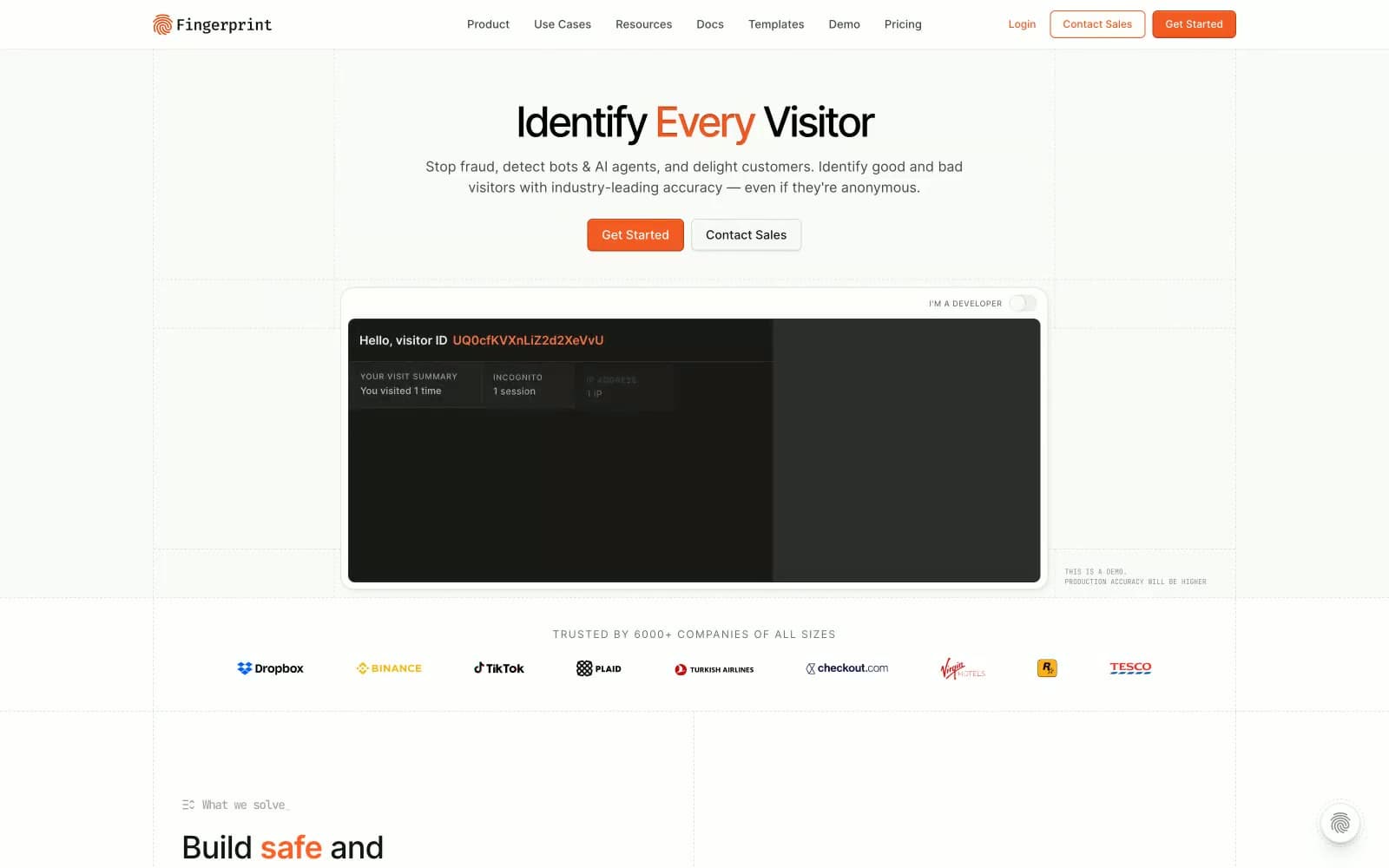
Fingerprint
Developer tools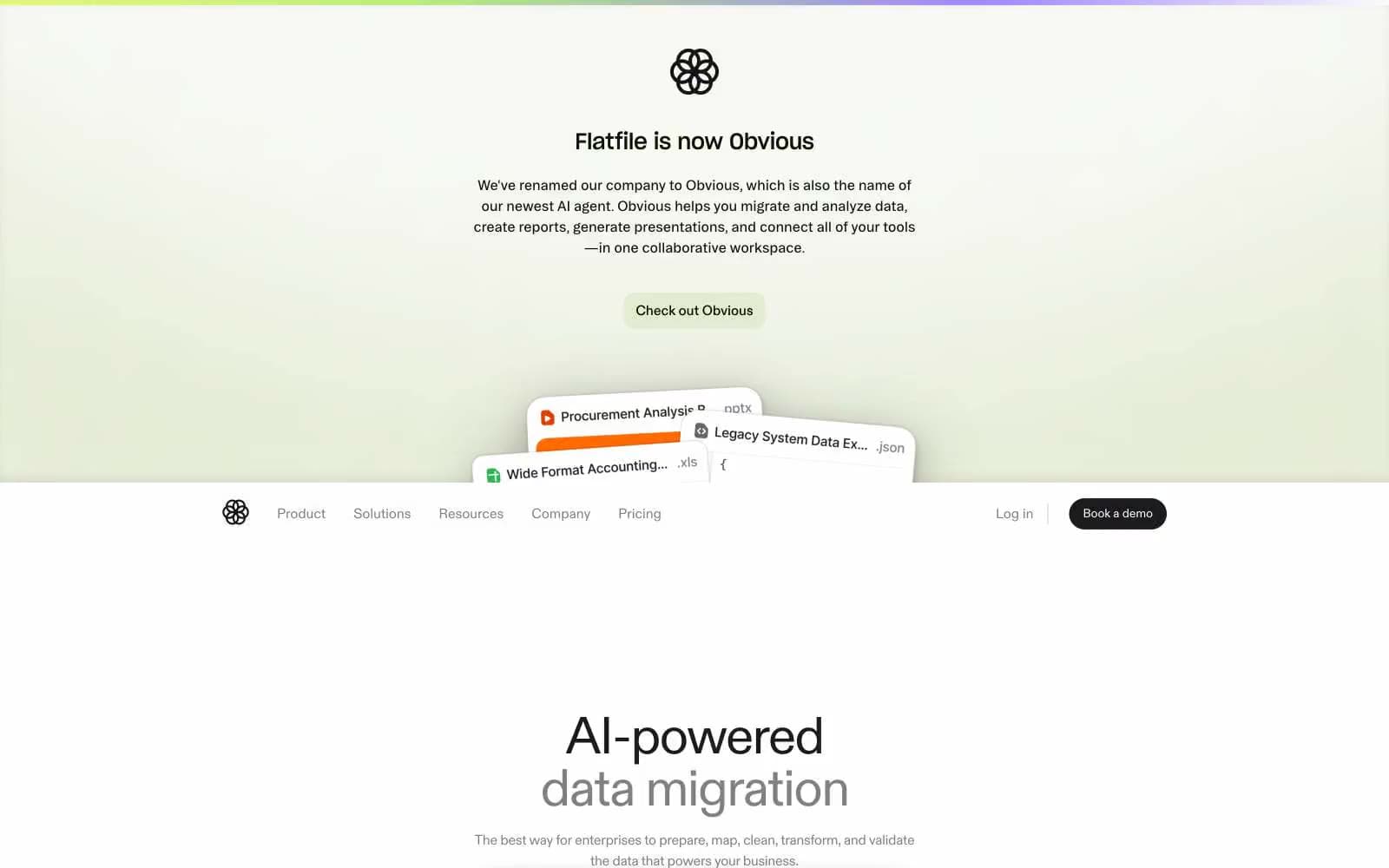
Flatfile
Developer tools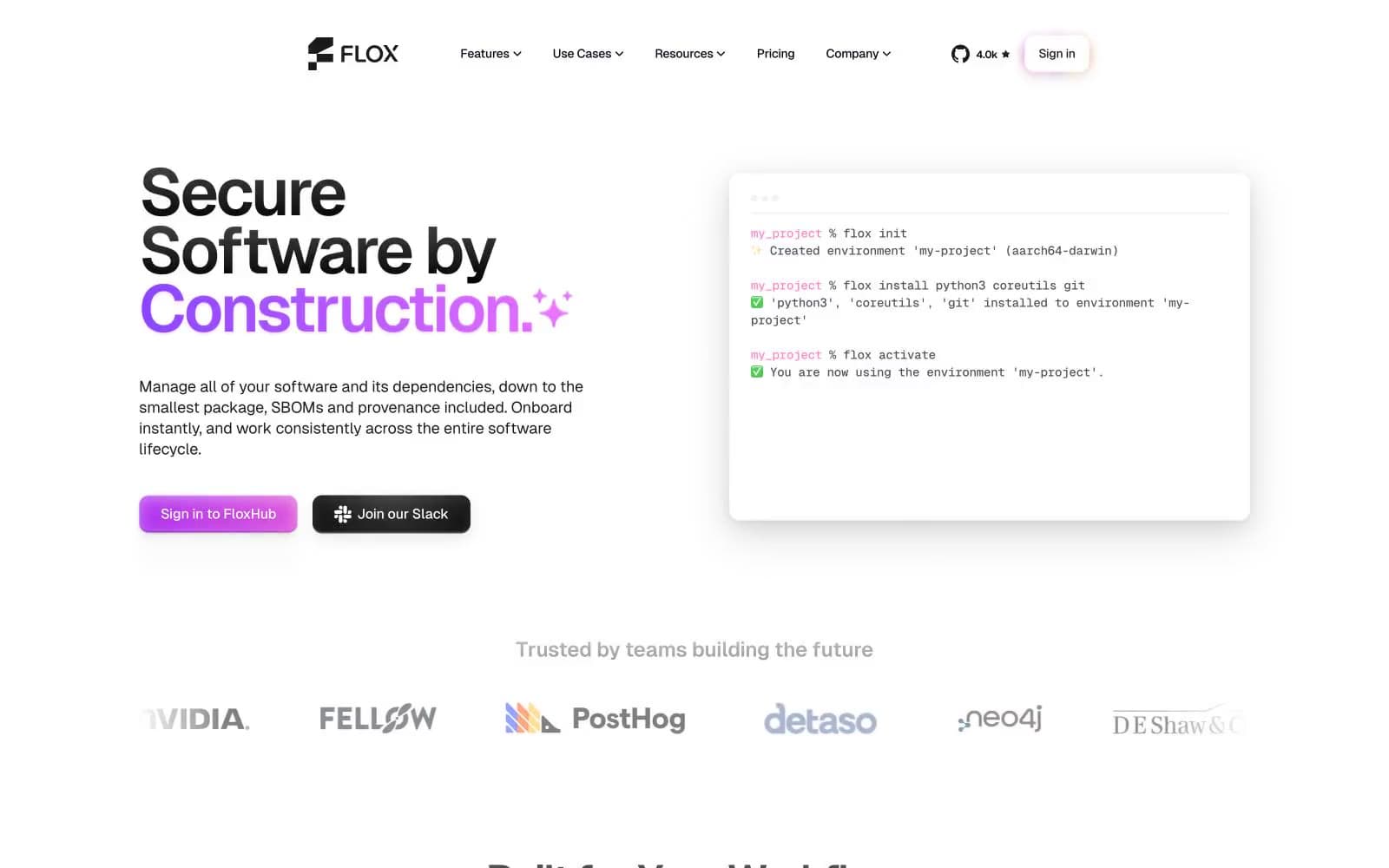
Flox
Developer tools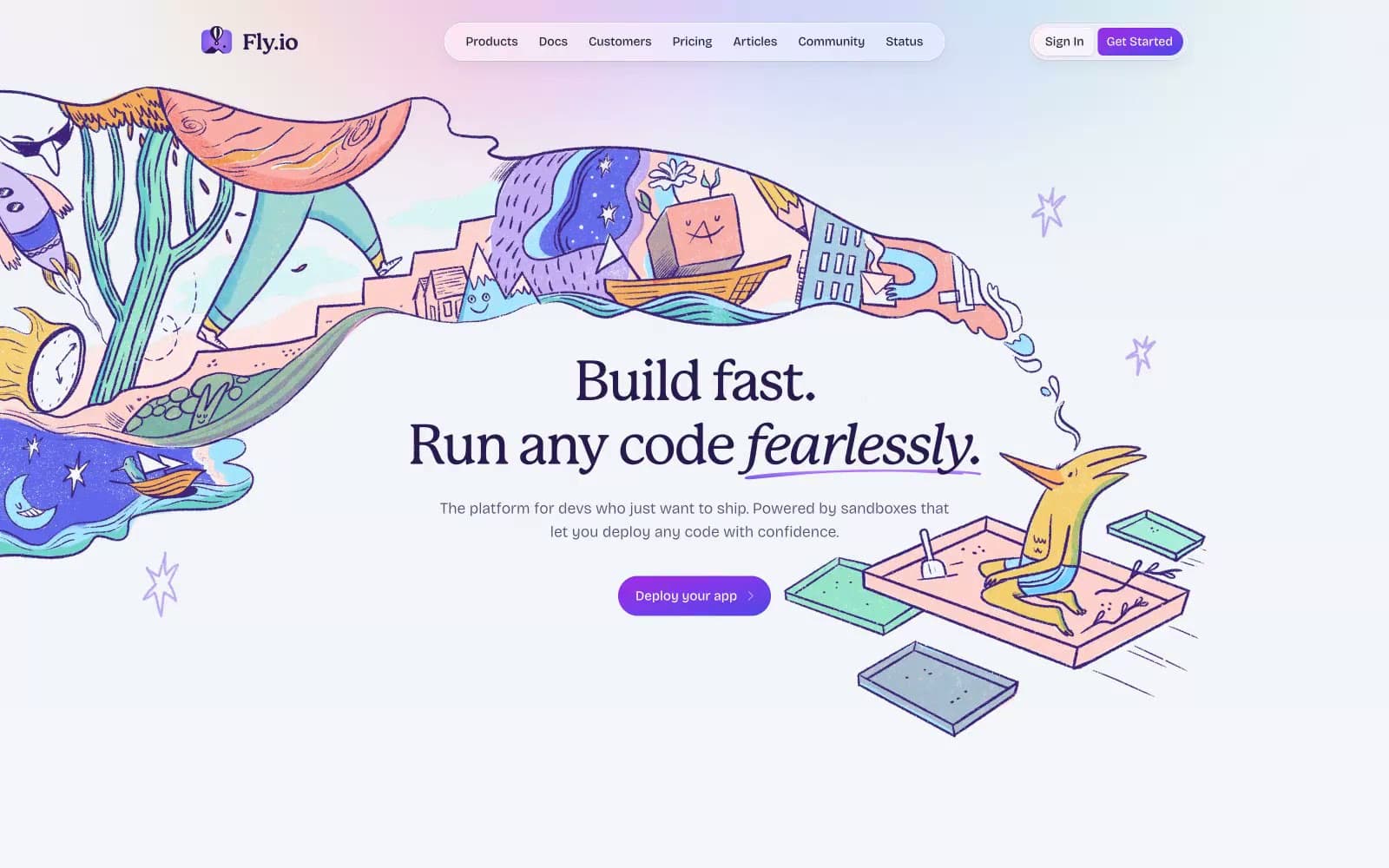
Fly.io
Developer tools


