
Warp Terminal. A frosted obsidian cockpit where every pixel earns its place and color is a rare, meaningful signal.
- Developer tools
- Dark theme
- 12 colors
- 7 typefaces
Warp operates in a deep charcoal universe: near-black canvas (#121212) layered with subtly lighter surfaces (#1e1e1d, #353534) and no shadows — elevation is communicated entirely through background-color steps. The primary typeface, Matter, does all the expressive heavy lifting: tight negative tracking at display sizes (-0.04em at 56-64px) whispers confidence rather than shouting, and the custom OpenType features (cv03, cv04, cv09, cv11) give it a precision-engineered feel that generic sans-serifs lack. Color is almost entirely absent — the one chromatic exception, a muted sage-green (#799c92), surfaces exclusively as an accent on section subheadings, making it feel like a terminal prompt color that escaped into the UI. The terminal product screenshot is the hero; the interface reproduces itself as marketing material, blurring the line between product and page.
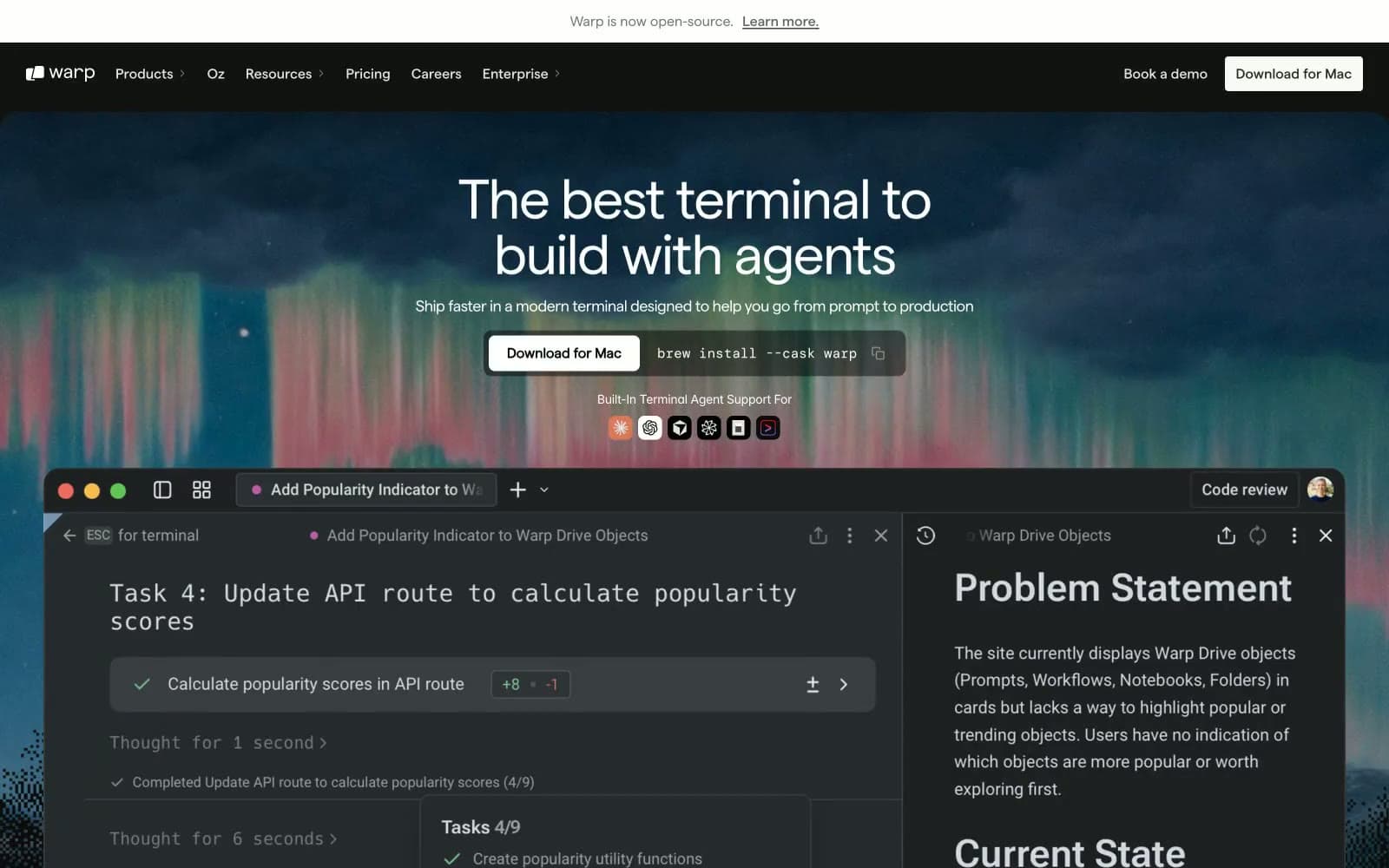
Warp Terminal design system

Accent1
Gray outline accent for tags, dividers, and focused UI edges.
Neutrals11
Deepest layer — nav overlays, announcement bar background
Primary page background, dominant surface beneath all content
Footer background, slightly elevated surface above canvas
Nav borders, filled dark button backgrounds — the primary interactive fill
Raised card surfaces, pill button backgrounds, interactive containers
Hover-state surfaces, slightly elevated overlays
Secondary body text, muted link text, hairline borders
Tertiary body text, disabled or de-emphasized labels
Announcement bar text, code snippet text, subheadings at reduced emphasis
Highest-contrast text on dark backgrounds, filled light button backgrounds
Nav background on scroll, download button fill, icon fills
Try a pairing
Pick any two colors from the palette to check whether text stays readable on top.
Aa
Obsidian Deep on Terminal Sage
6.62 : 1 contrast
- Body textPasses AA 4.5
- Large textPasses AA 3
- StrictFails AAA 7
More DESIGN.md files. Same web, different personalities.
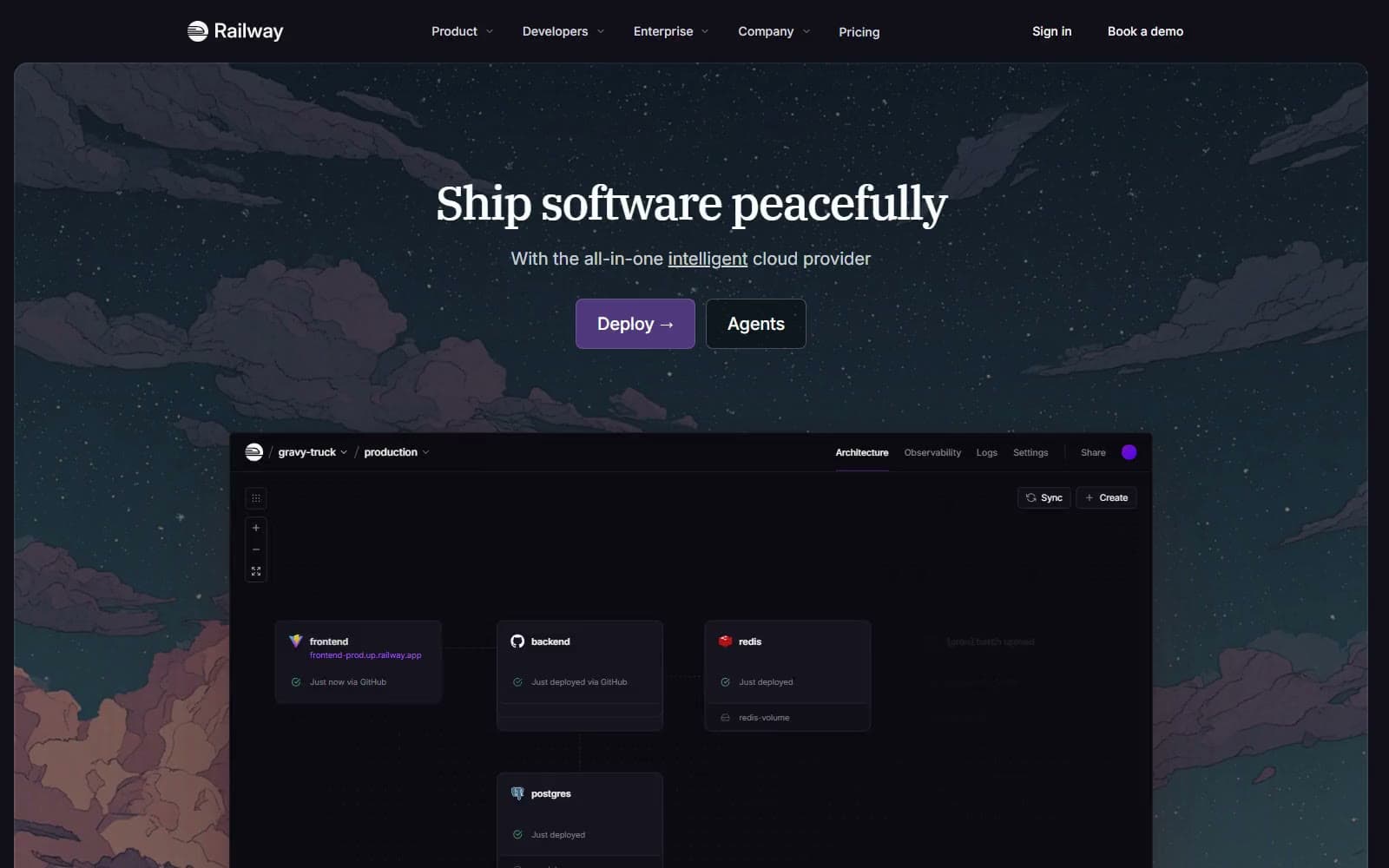
Railway
Developer tools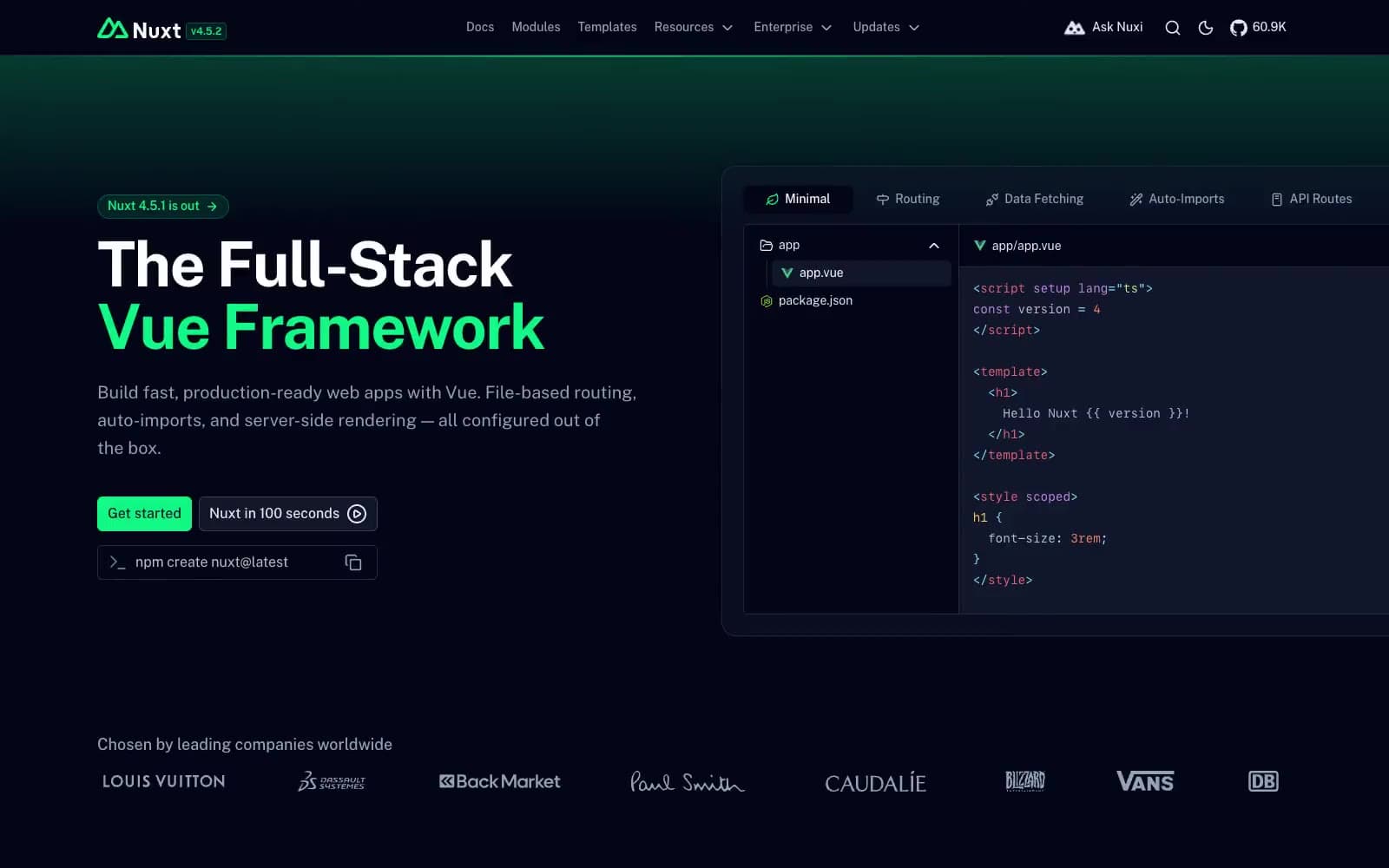
Nuxt
Developer tools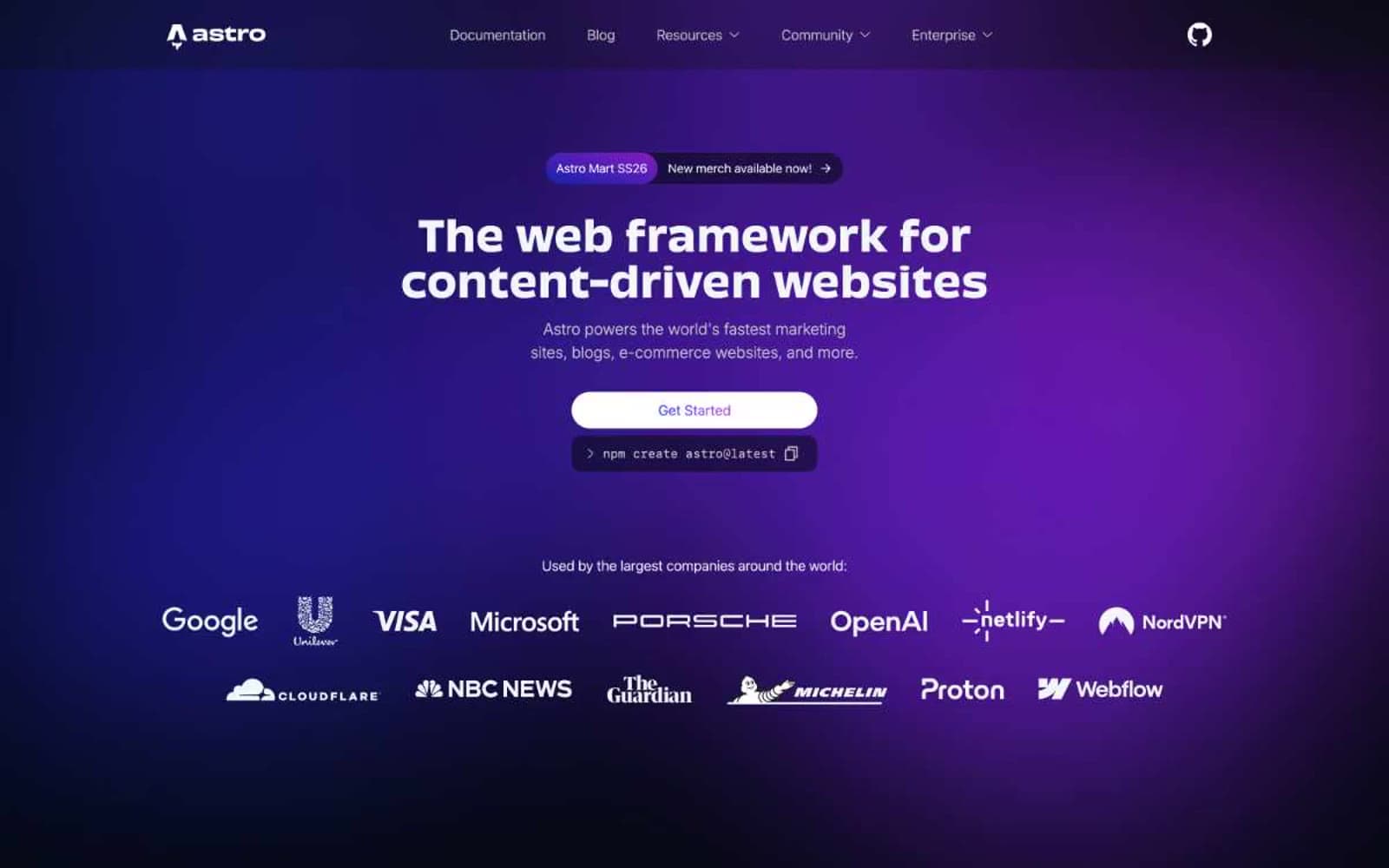
Astro
Developer tools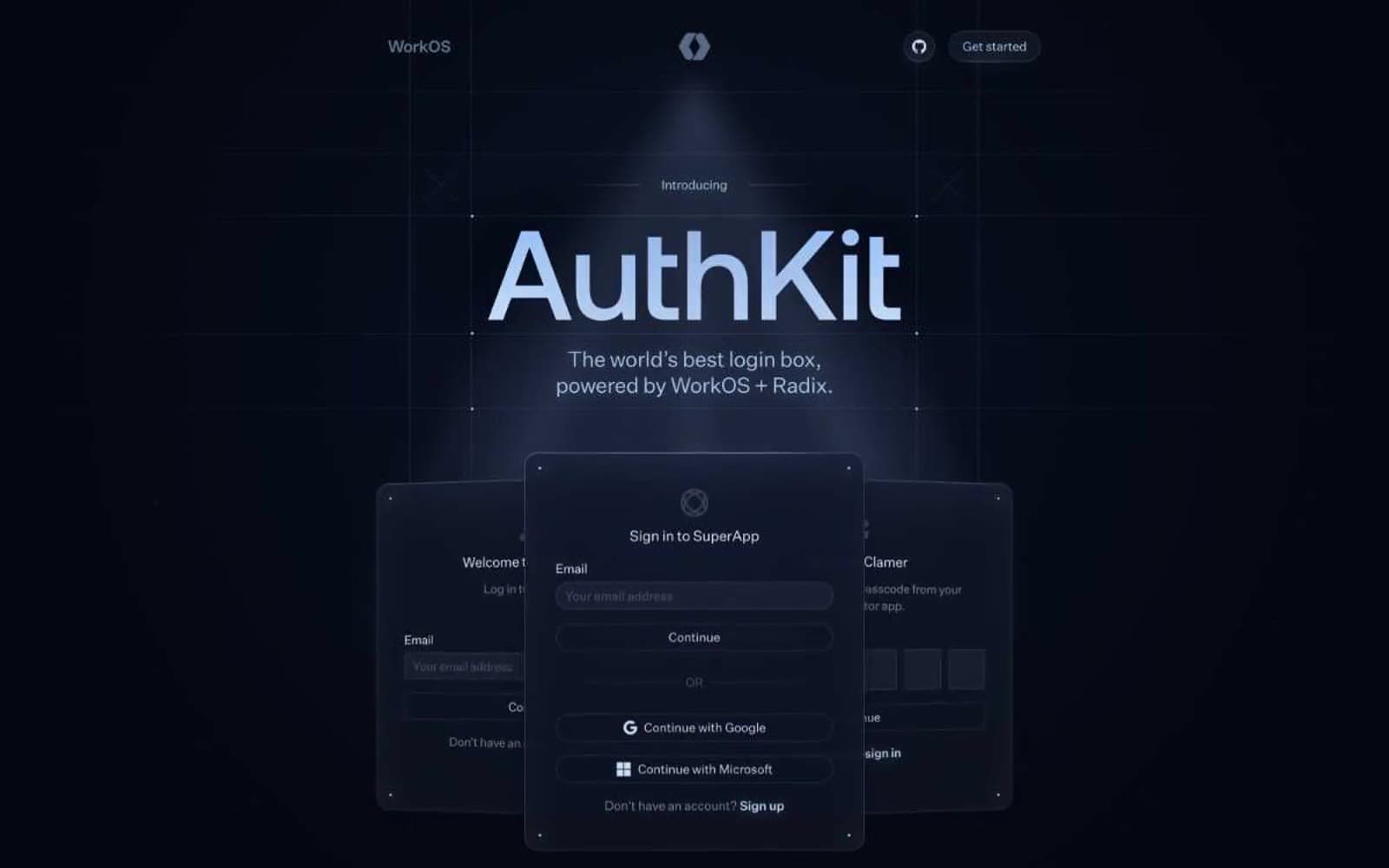
Authkit
Developer tools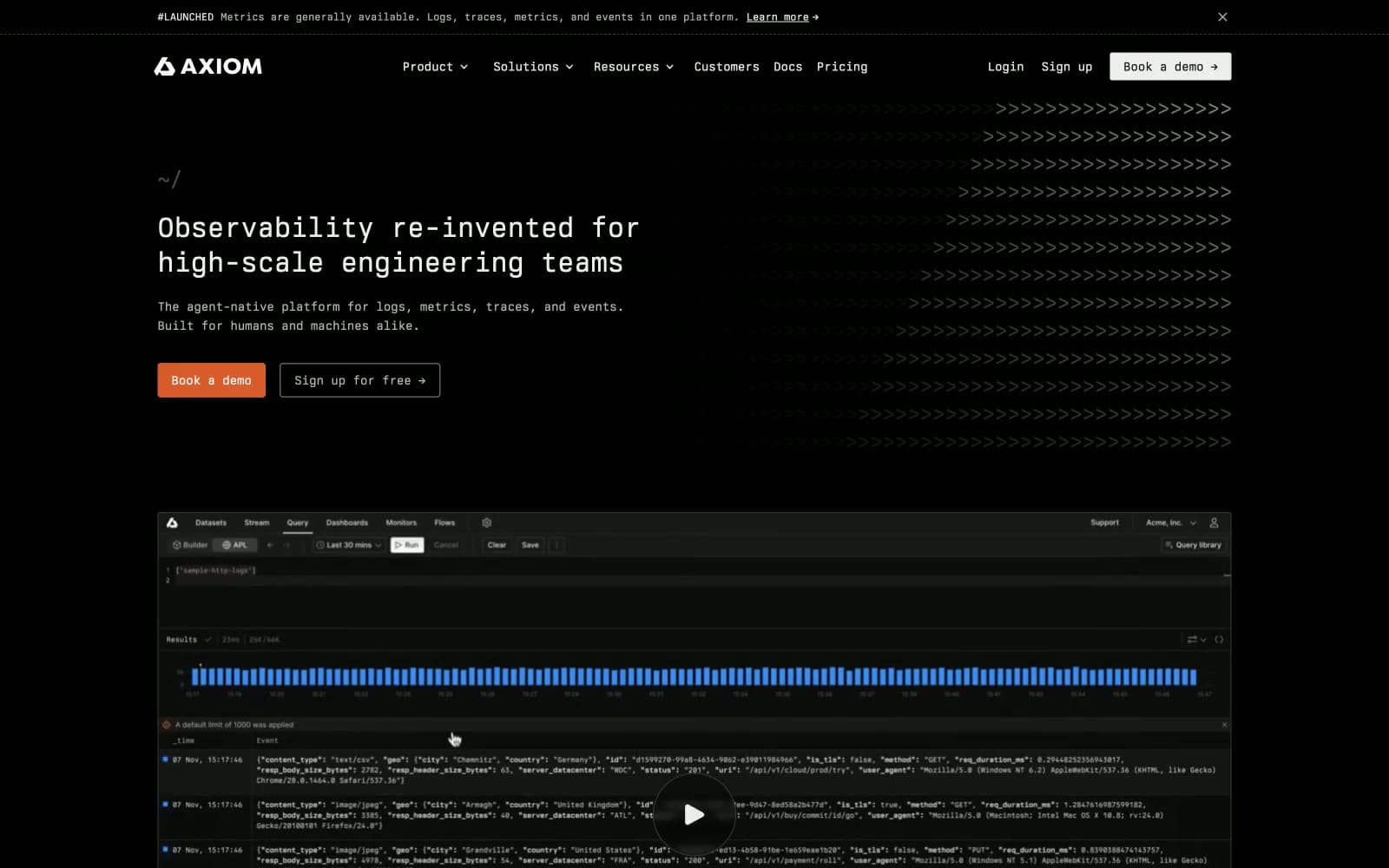
Axiom
Developer tools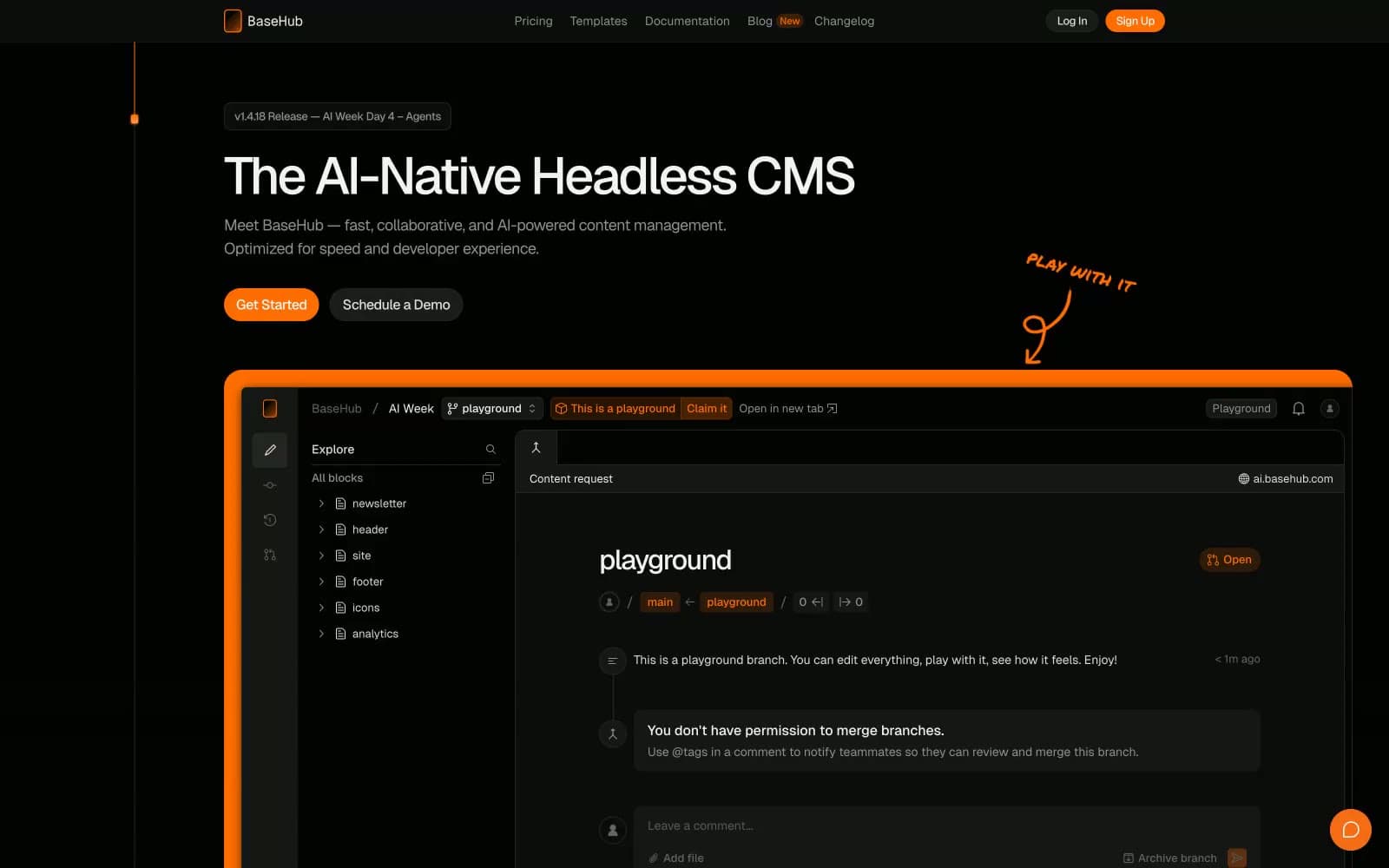
BaseHub
Developer tools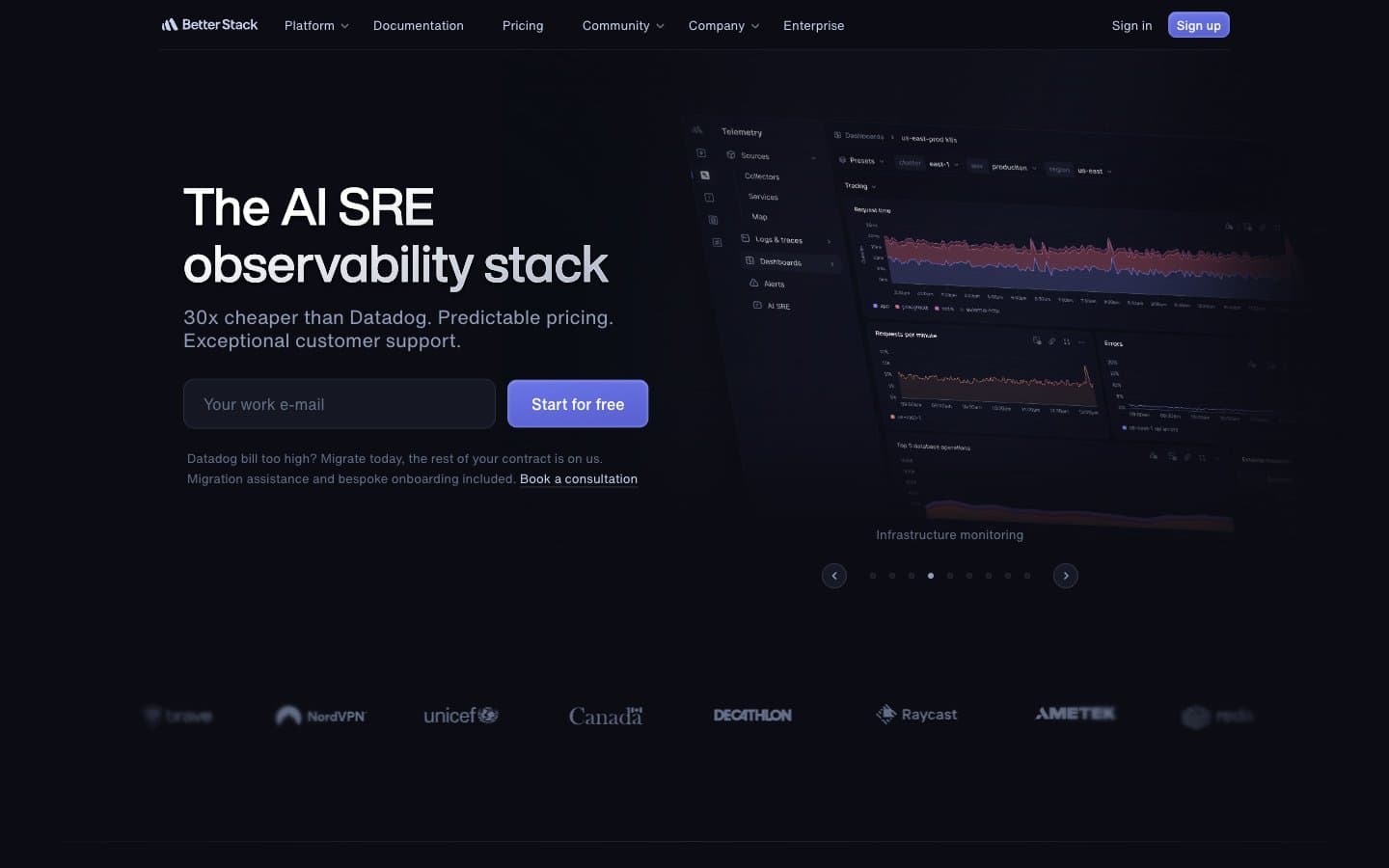
Better Stack
Developer tools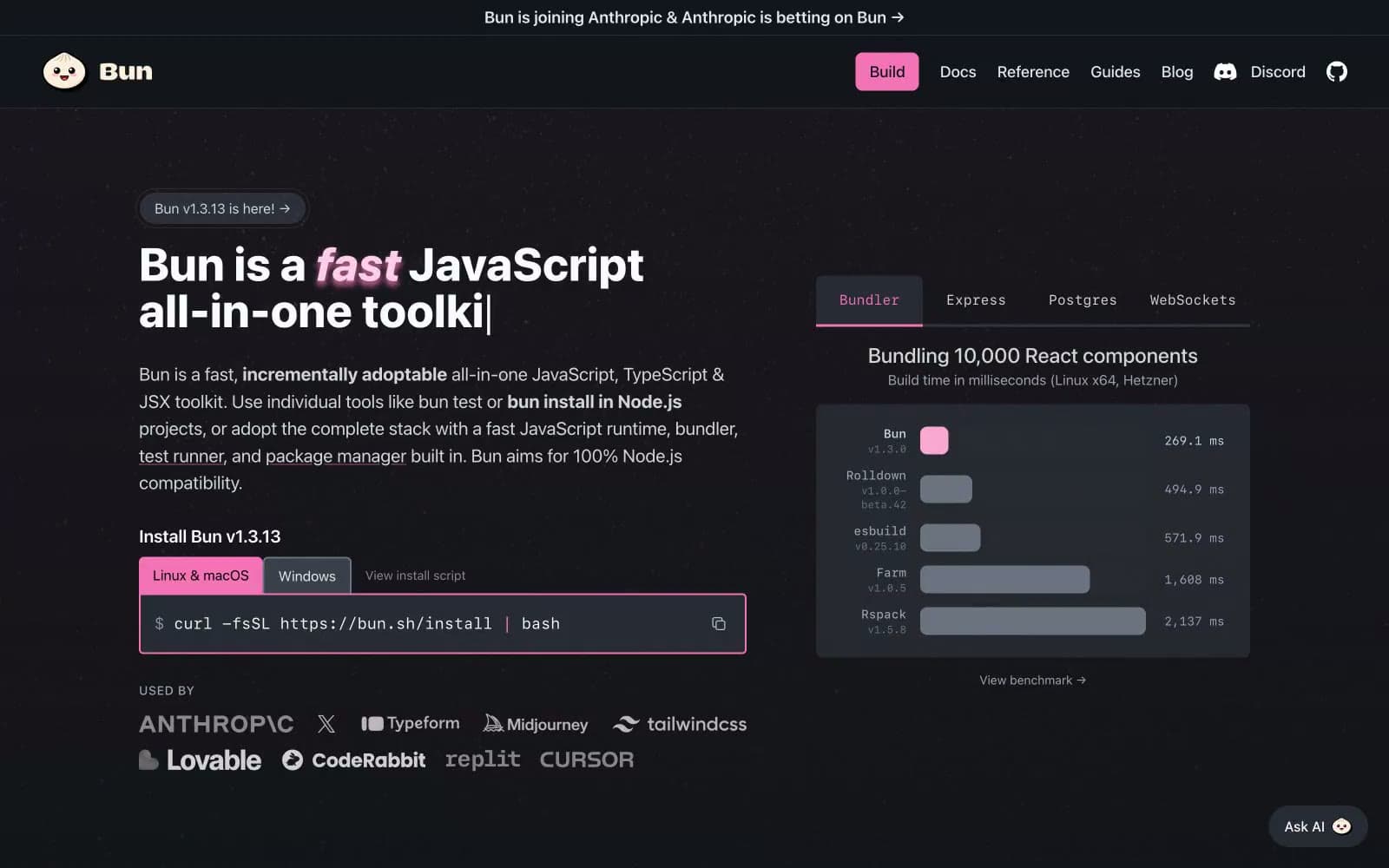
Bun
Developer tools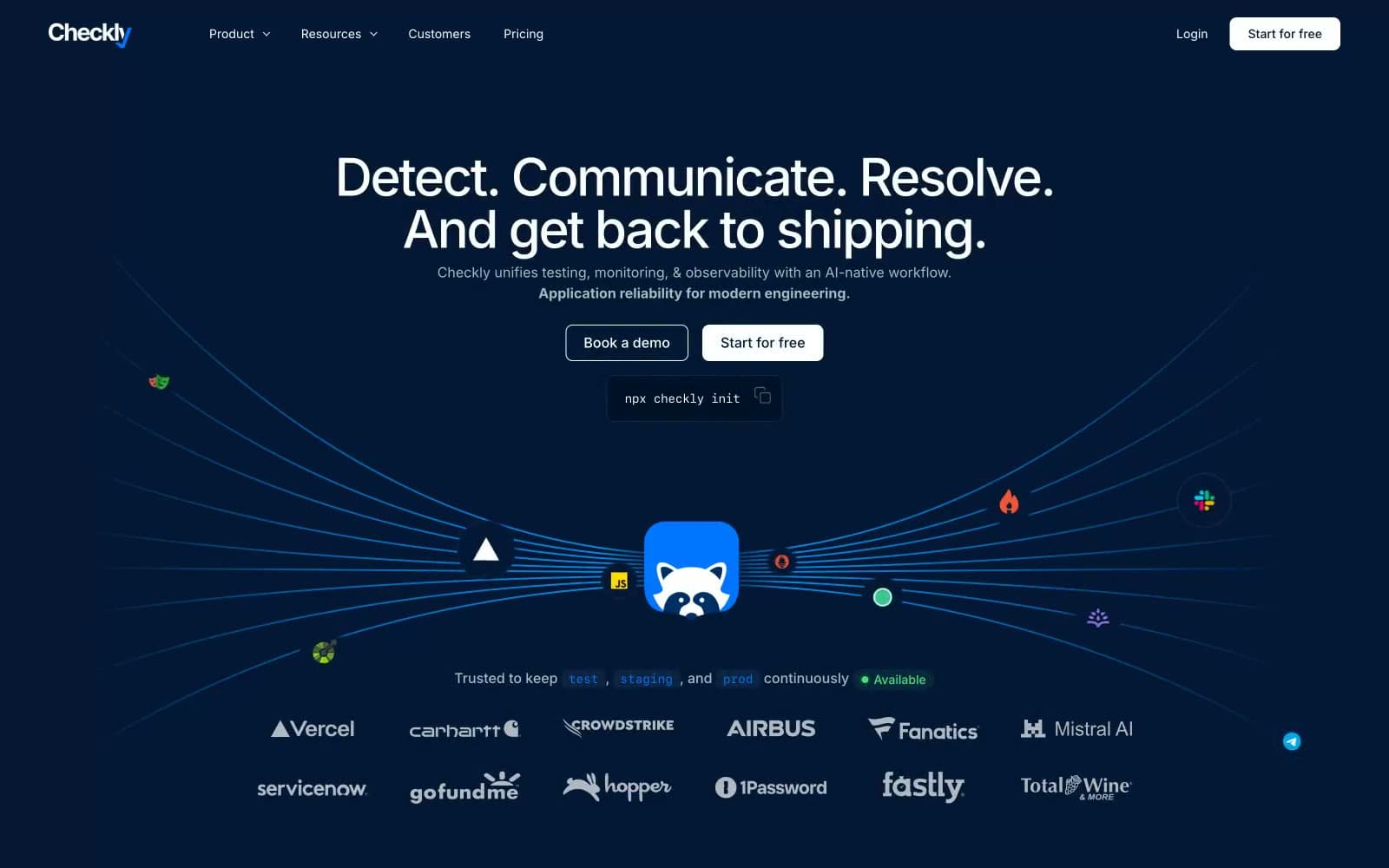
Checkly
Developer tools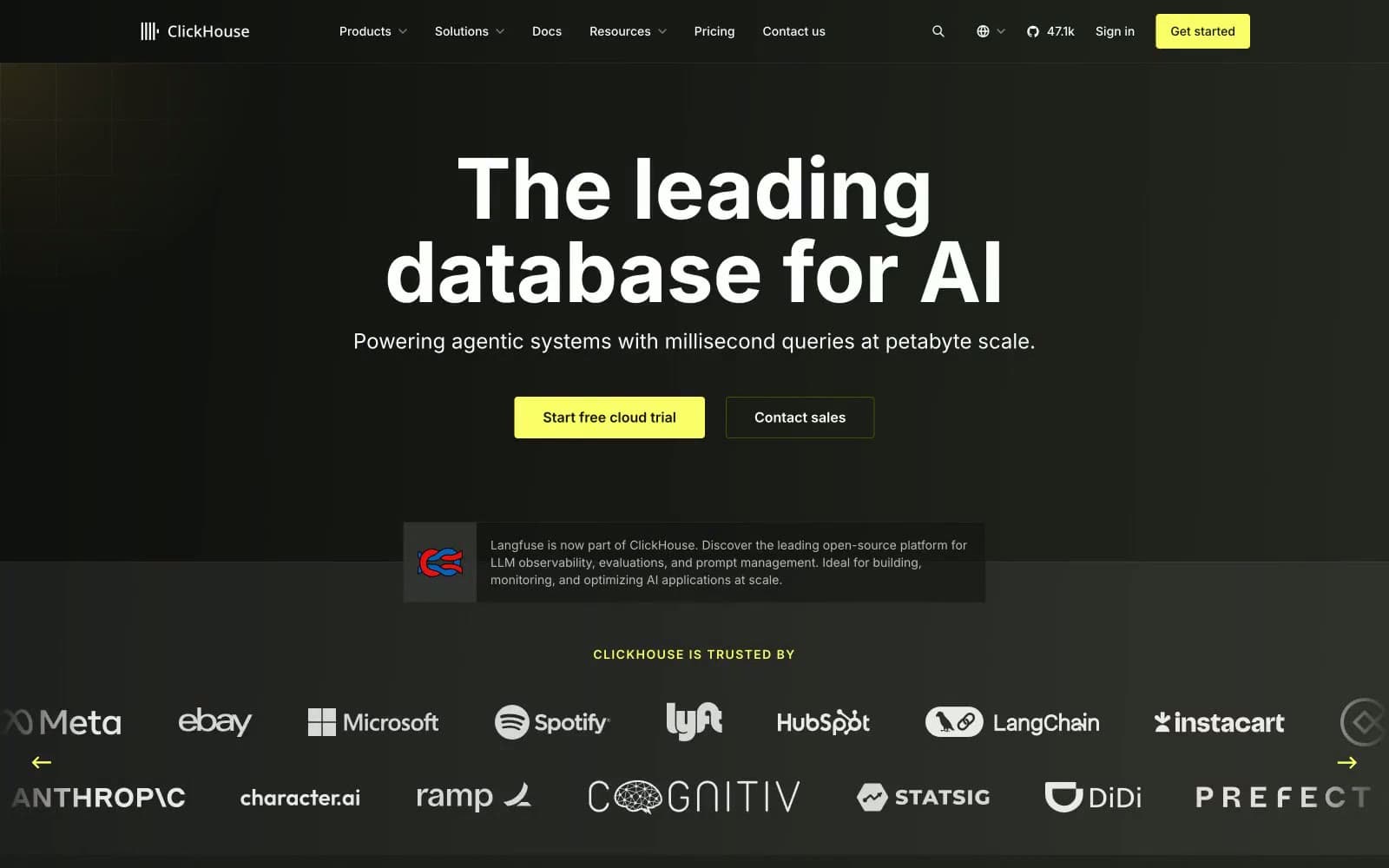
ClickHouse
Developer tools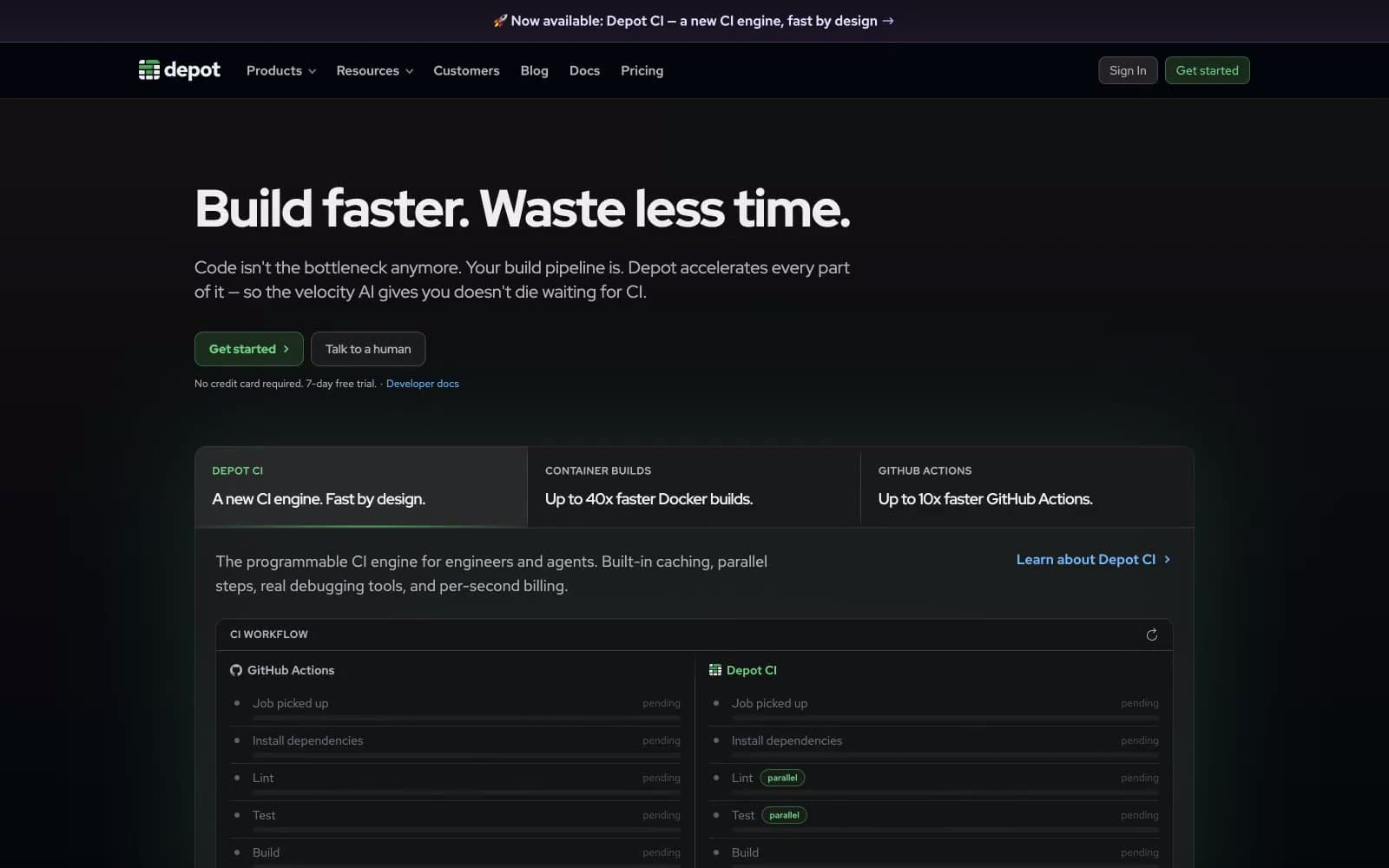
Depot
Developer tools
dope.security
Developer tools


