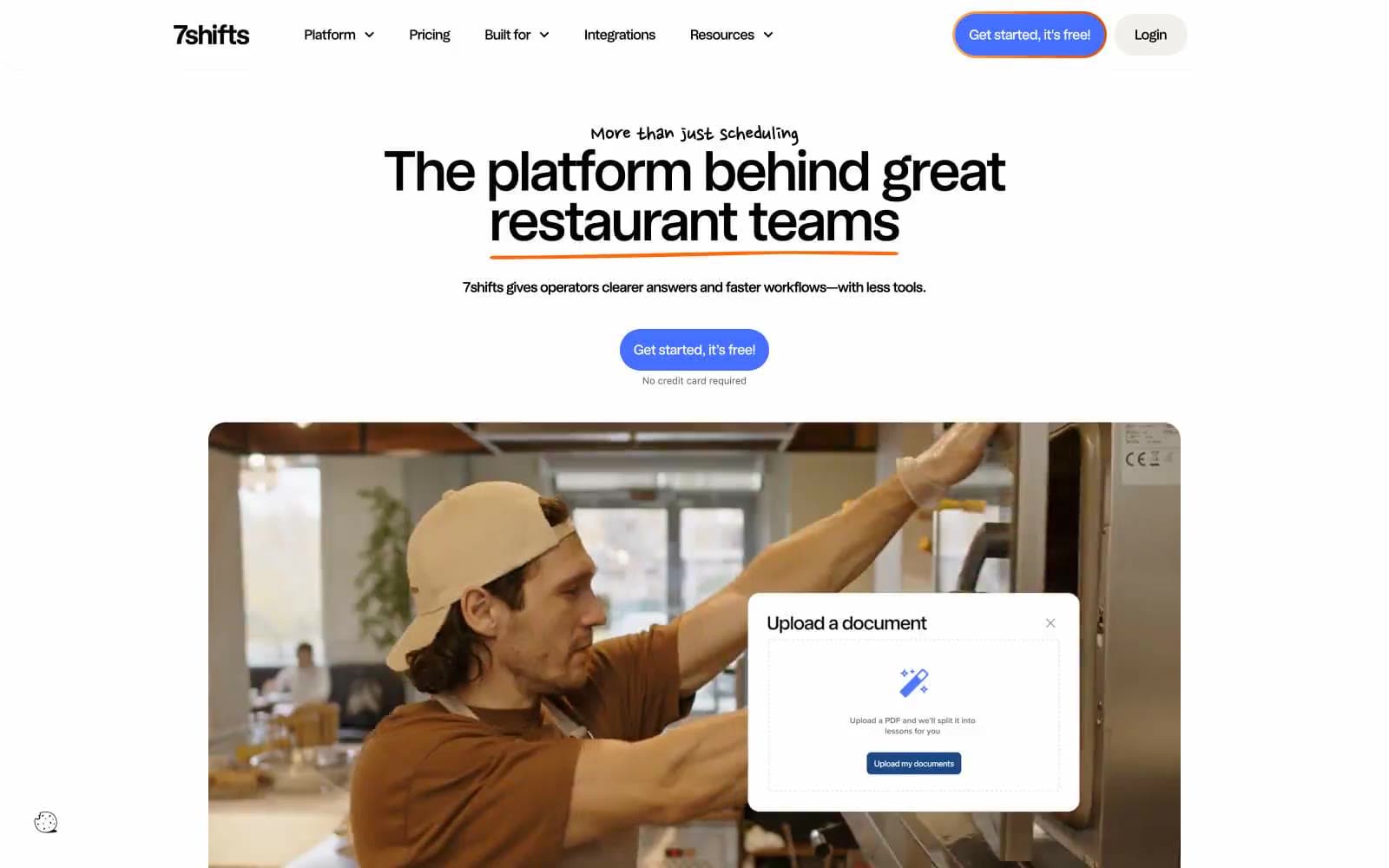
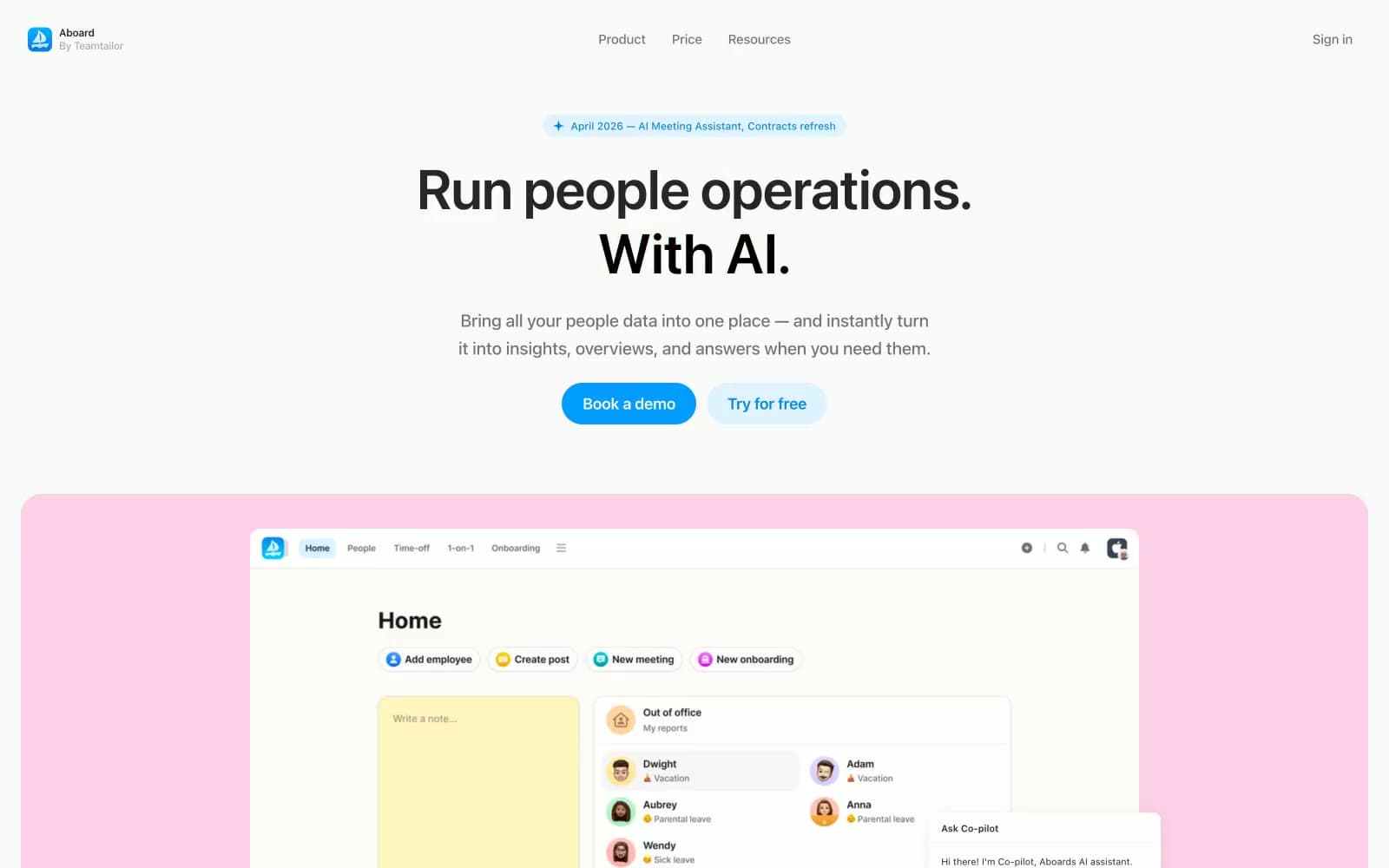
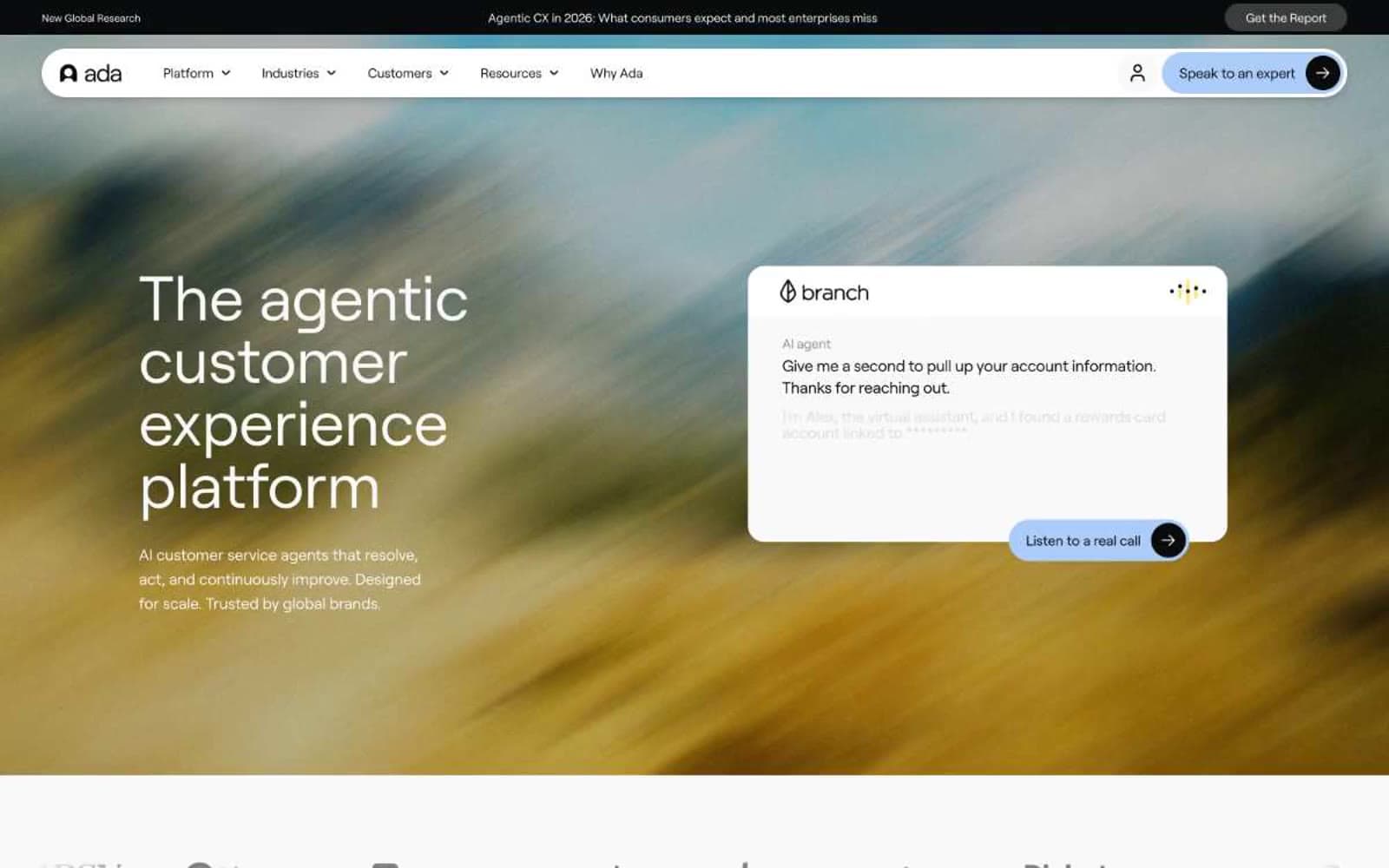
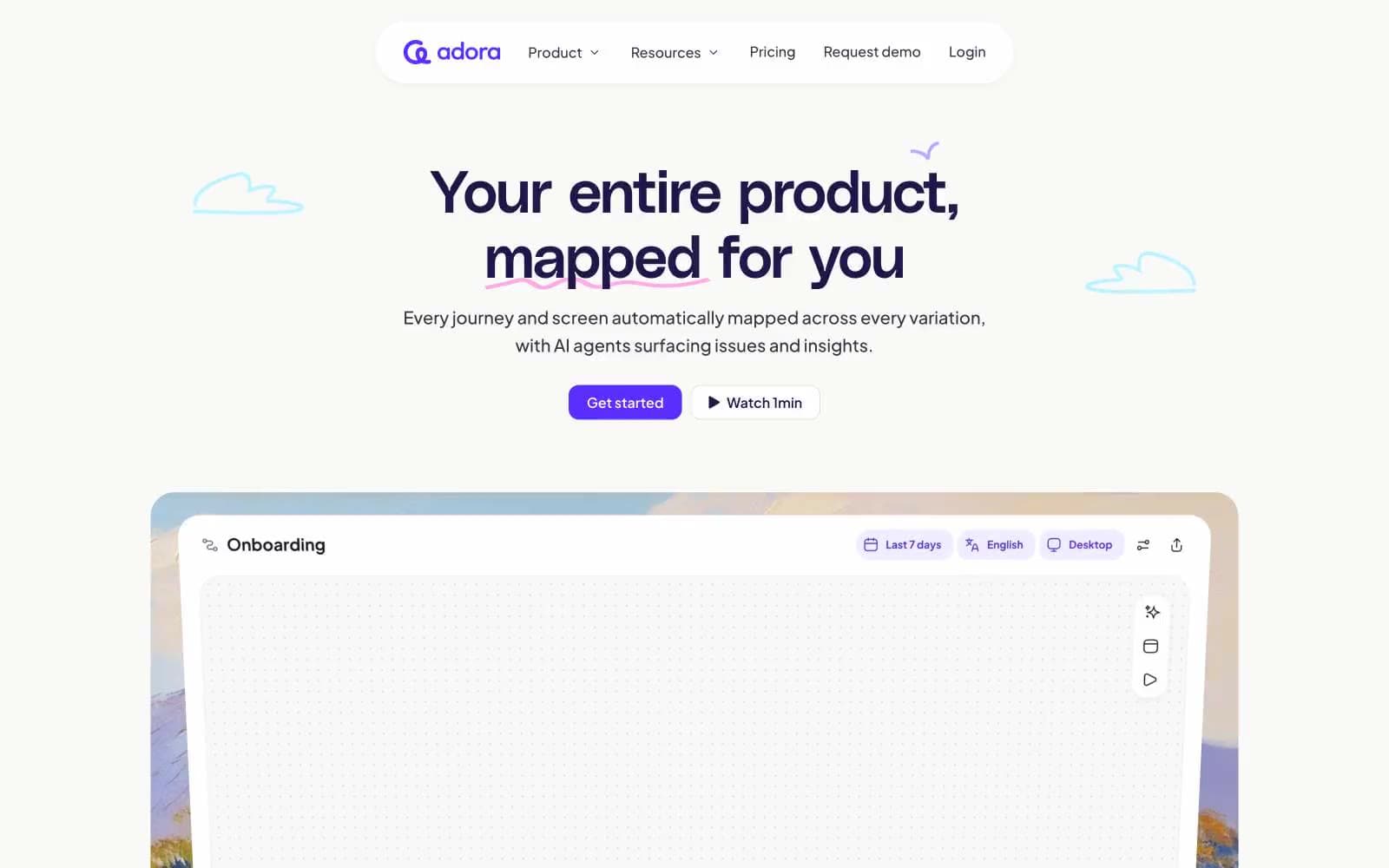
Lightfield. Fogged glass under an oak canopy.
- SaaS
- Light theme
- 14 colors
- 3 typefaces
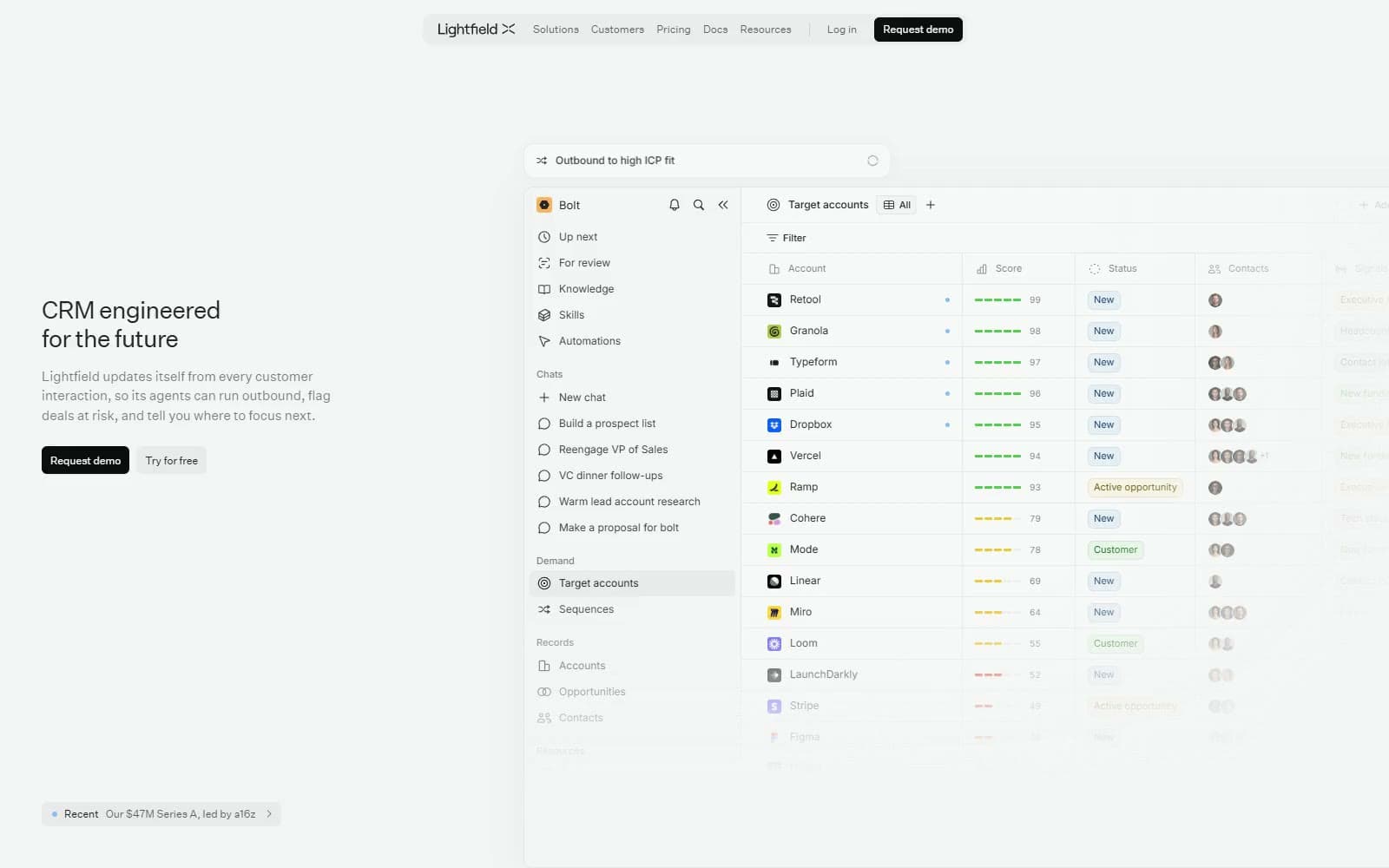
Lightfield is a hushed, soft-gray CRM site where the product itself is the hero. A #f5f5f5 canvas holds wide, fading application panels drawn in near-white #f9f9f9 and #ffffff with 1px hairlines, while the marketing type stays strikingly small: Untitled Sans 28px/400 headlines at -0.84px tracking, 15px body, and 12px controls. Colour is withheld almost entirely; one Obsidian #0d0d0d button, an Ice Blue #80bfff dot and pastel CRM status chips are the only accents. Warmth comes from full-bleed forest and glass-house photography, blurred nature backdrops behind testimonial quotes, and pencil-thin isometric diagrams with DM Mono uppercase labels.
Lightfield design system

Brand1
Request-demo buttons and the dark get-started card — the only solid dark fill on the page, so the single conversion action reads instantly
Accent4
Announcement dot, unread markers and the selected chart-card outline — a cool pinpoint that signals live product state
Text of blue CRM status chips such as New, set on a 10% blue wash inside product panels
Text of yellow status chips on a pale cream wash in the mocked account tables
Text of violet status chips in product tables, paired with a 10% violet wash
Neutrals7
Page background, footer and product sidebars — a soft gray that keeps white panels quietly raised
Inner product surfaces, chat composers, metric tiles, white secondary buttons and text on dark cards
Floating navigation capsule, Try for free button and announcement pill — a 4% black tint rather than a border
1px moderate borders on metric cards, email drafts and inputs inside product panels
Supporting paragraphs under headlines, grayed second sentences and table metadata
Navigation links, footer links and the announcement pill text
Headlines, body copy and product UI text — 85% black, never pure black
semantic2
High ICP-fit score dashes and the expansion line in ARR charts
Medium-fit score dashes in contact and account tables
Try a pairing
Pick any two colors from the palette to check whether text stays readable on top.
Aa
Paper on Obsidian Button
19.44 : 1 contrast
- Body textPasses AA 4.5
- Large textPasses AA 3
- StrictPasses AAA 7